
How to delete iBoomto AI account?
On This Page
- How to delete your iBoomto AI account
- FAQ for deleting your iBoomto AI account
Deleting your iBoomto AI account is permanent and cannot be undone. Once your account is deleted, you will lose access to your account information, chat history, generated files, remaining credits, and subscription benefits.
If you are experiencing issues with the service, consider adjusting your settings or contacting our support team before deleting your account. If you are ready to proceed, follow the steps below to permanently delete your iBoomto AI account.
Delete your iBoomto AI account
How to delete your iBoomto AI account
Step 1
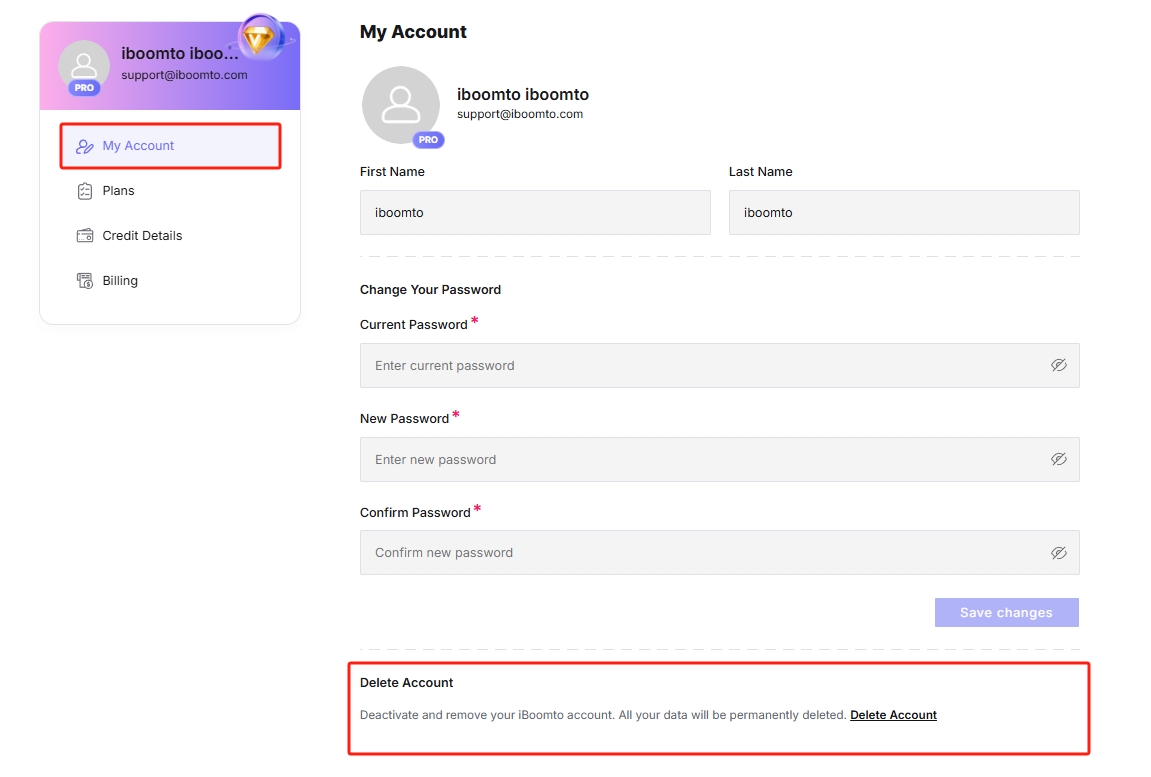
Sign in to your iBoomto AI account and go to your account page.
Step 2
Open the My Account tab.
Step 3
Scroll down to the Delete Account section.
Step 4
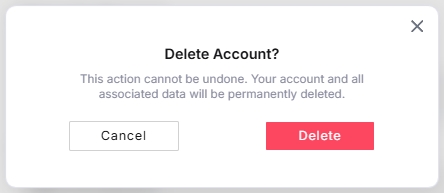
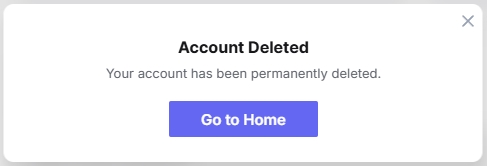
Click the Delete Account button. When the confirmation pop-up appears, click Delete to confirm that you want to delete your account.
FAQ for deleting your iBoomto AI account
Your account information, chat history, generated files, and remaining credits will be permanently deleted and cannot be recovered.
No. Once your account is deleted, it cannot be recovered.
No. Deleting your account does not automatically cancel your subscription or recurring payments. Please cancel your subscription separately before deleting your account to avoid future charges.
Was this helpful?
Thank you for your feedback!