
How to get iBoomto AI?
- Step 1: Download iBoomto AI
- Step 2: Launch the Installer
- Step 3: Complete the Installation
- Step 4: Start Using iBoomto AI
iBoomto AI is an AI-powered Windows software that allows you to chat with documents or summarize documents to improve workflow efficiency. The download process for iBoomto AI is straightforward and beginner-friendly. Follow the steps listed below to learn how to download and install iBoomto AI.
Step 1: Download iBoomto AI
Visit the official iBoomto website and click any available download button, such as "Download iBoomto AI Agent", "Free Download", "Quick Start Now", or the "Free Download" button in the top banner. The installer will automatically download to your computer.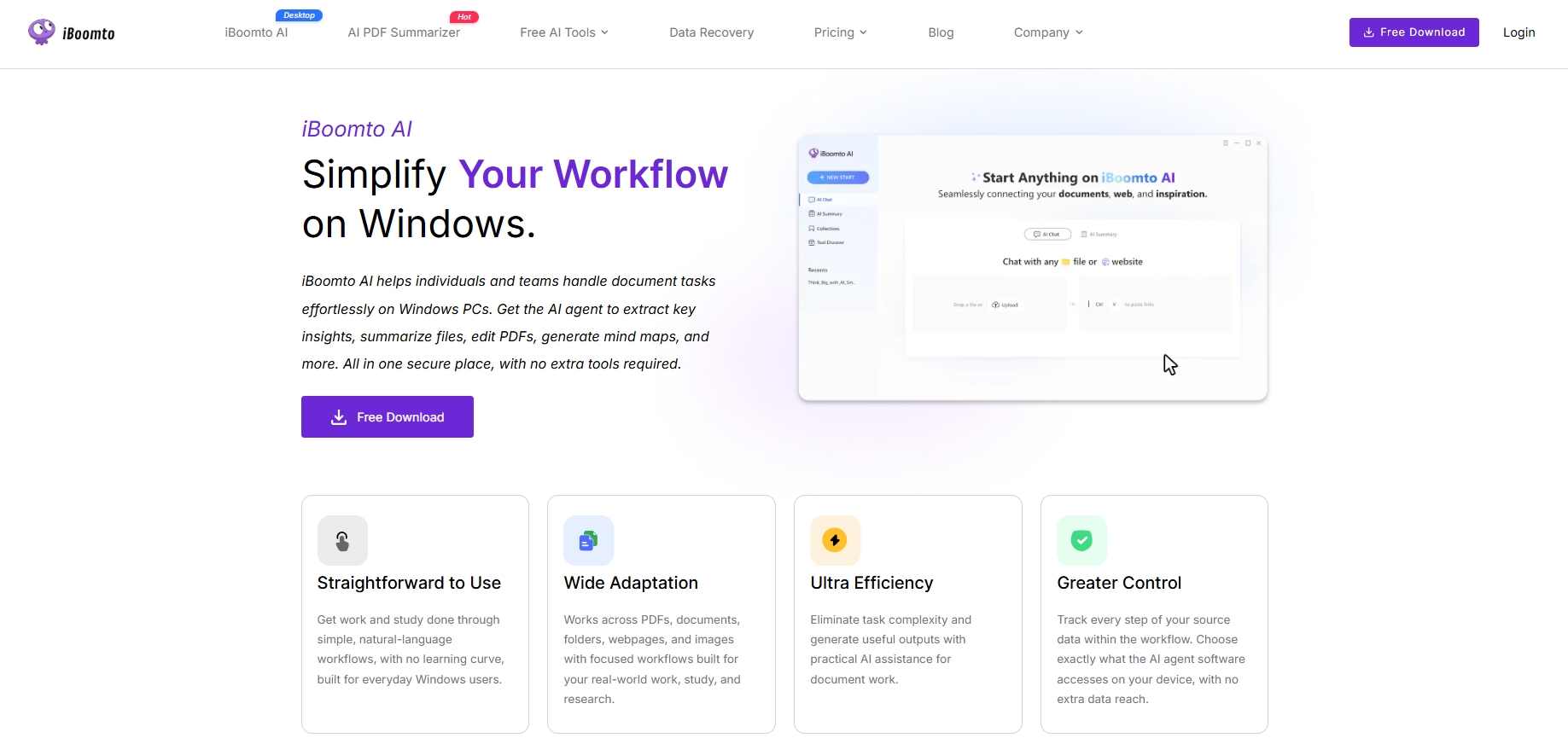
Step 2: Launch the Installer
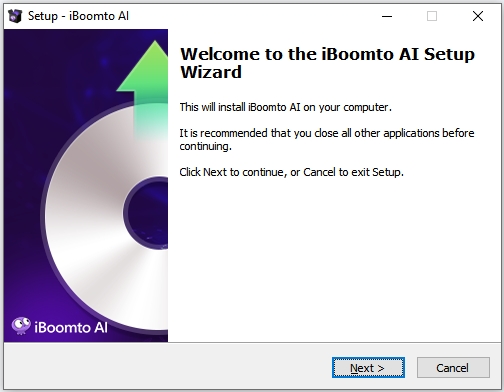
Once the download is complete, locate the downloaded EXE file and double-click it. If Windows displays a security prompt, verify that the installer was downloaded from the official iBoomto website and then follow the on-screen instructions to continue.
Step 3: Complete the Installation
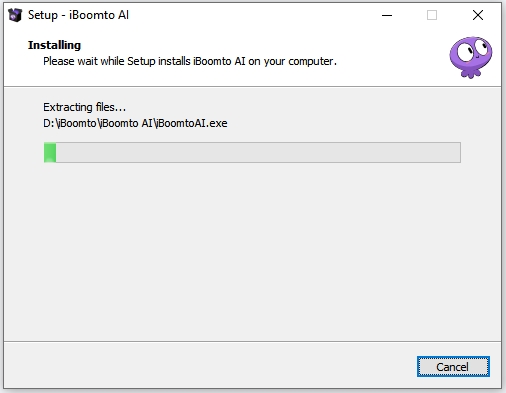
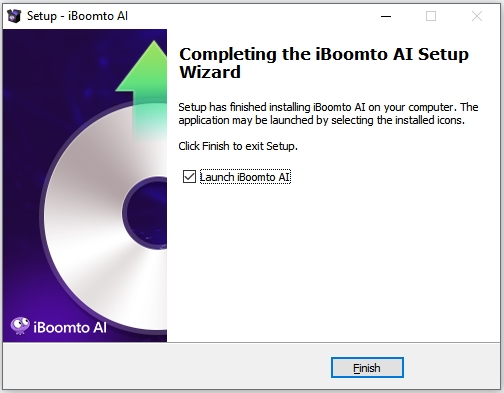
Follow the on-screen instructions to start and complete the installation process. The setup typically takes just a few moments.
Step 4: Start Using iBoomto AI
After the installation is finished, launch iBoomto AI.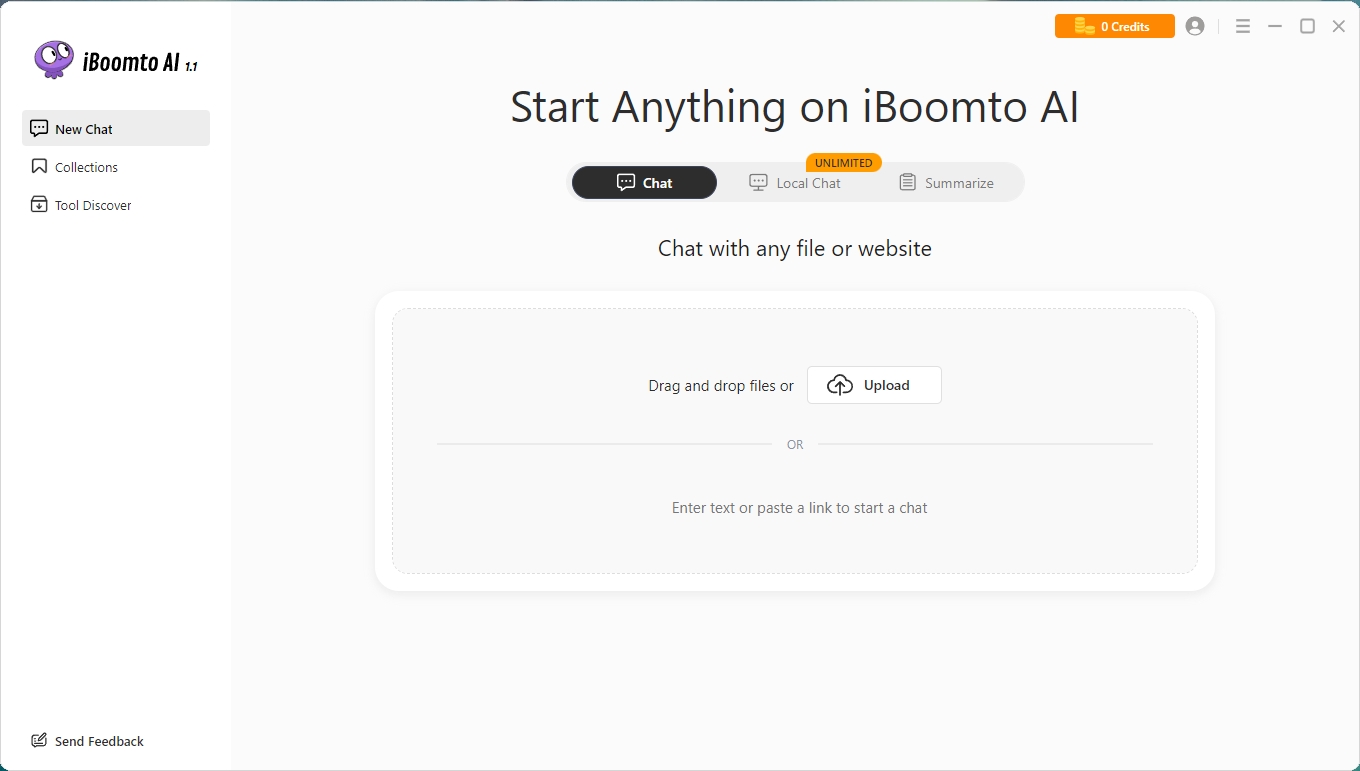
To ensure you get the most out of iBoomto AI and enjoy a safe and smooth experience, please learn the minimum system requirements.
Was this helpful?
Thank you for your feedback!