Login
Login
Upload your PDF and get a clean Markdown with headings, tables, and lists intact in seconds. iBoomto turns any PDF into structured Markdown you can drop straight into your notes, docs, or LLM pipeline without reformatting everything by hand.

or drag and drop file here
 Your files are secure during processing and automatically deleted once you close the page.
or drag and drop file here
Your files are secure during processing and automatically deleted once you close the page.iBoomto doesn't just extract text and call it Markdown. It is designed to identify document elements such as headings, paragraphs, tables, lists, and captions, then convert them into a .md file. iBoomto PDF to Markdown is built for document workflows — it gives you usable Markdown without making you fix the output by hand.
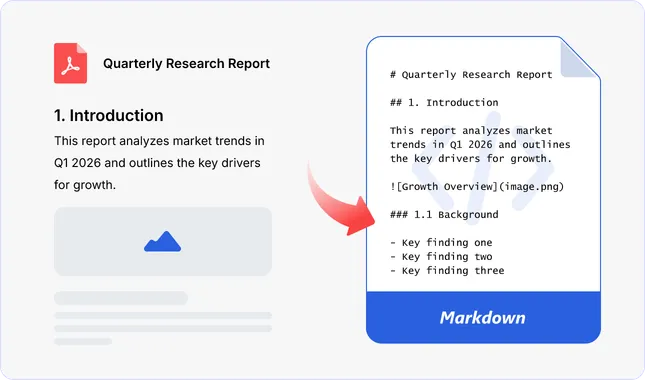
Traditional converters treat a PDF as a stream of characters. iBoomto treats it as a document. The AI identifies the logical structure — headings, paragraphs, tables, lists, captions — and maps each element to the correct Markdown equivalent. You get clean .md output, not a wall of text with random formatting markers.
Convert PDF to Markdown Now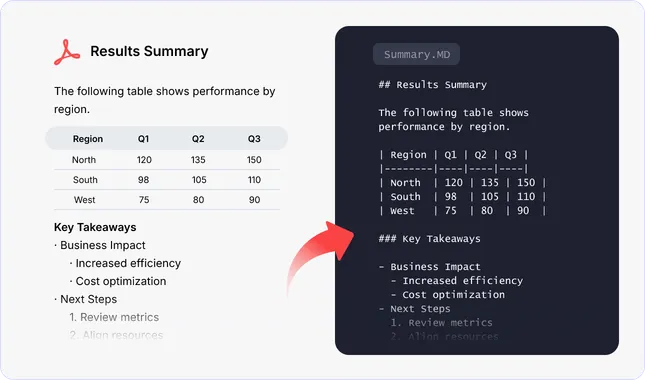
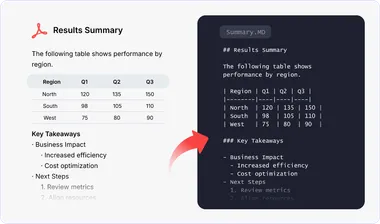
Tables and nested lists are easy to lose during conversion. iBoomto PDF to Markdown converter is designed to keep table rows, columns, headers, list order, and nesting intact so that the Markdown needs less manual repair.
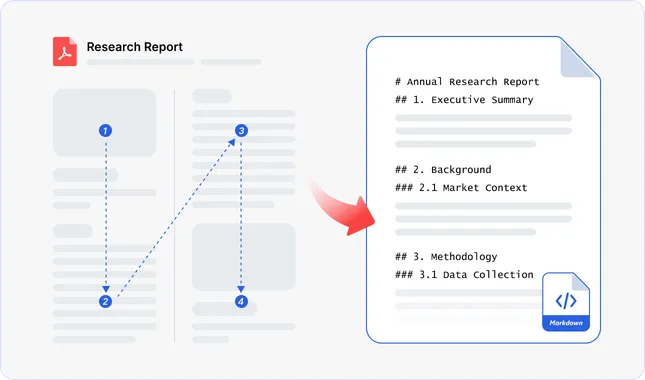
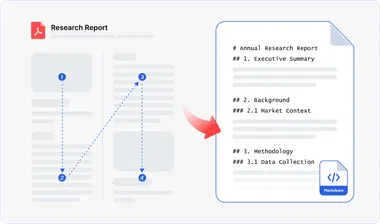
Academic papers, newsletters, and reports often use multiple columns or sidebars. iBoomto detects the layout and converts the content in its intended reading order, reducing the risk of text from separate columns being mixed.
Convert PDF to Markdown Now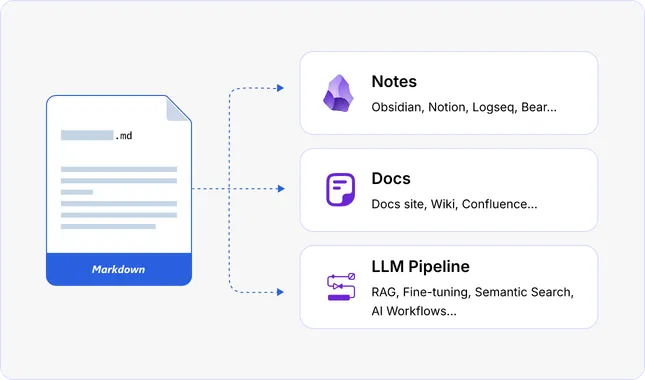
Download the .md file when the conversion is complete, then add it to your notes, documentation, or LLM workflow. No fixing broken tables, no re-adding heading levels, no removing stray formatting characters. The output is intended to be ready for review and reuse.
When you convert a PDF to Markdown, the details determine whether the output is usable or needs another hour of cleanup. Here's what iBoomto preserves in the conversion.

Heading levels are detected from the document's logical structure — not guessed from font sizes. H1 stays H1, subsections nest correctly.

Text emphasis is converted into the appropriate Markdown formatting where supported.

Hyperlinks keep both their display text and destination URL intact. No broken or stripped anchors.

Rows, columns, and headers are converted into Markdown table structures instead of plain tab-separated text.

Numbered lists keep their sequence and nesting levels, including sub-items.

Bulleted lists retain their hierarchy and indentation.

Text from multi-column pages is converted in reading order to reduce interleaving between columns.

Footnote markers and their reference text are converted to standard Markdown footnote syntax, keeping citations linked to their sources.

Images are marked with alt-text and can be presented with placeholders, so you know exactly where visuals belong in the document flow.
No software to install, no account to create. Upload your PDF and get a clean Markdown file in seconds.
Drag and drop a file or browse from your device. iBoomto accepts research papers, technical documentation, reports, textbooks, and other PDFs up to 50 MB per file.
iBoomto's AI reads the entire document, identifies the structure — headings, tables, lists, links — and generates a clean Markdown. Processing time depends on the document’s size and complexity.
Download your .md file, or copy the converted text directly to your clipboard. Drop it into Obsidian, Notion, a docs site, or an LLM and RAG workflow.
Different people need PDF to Markdown for different reasons. Here's how iBoomto fits the most common workflows.
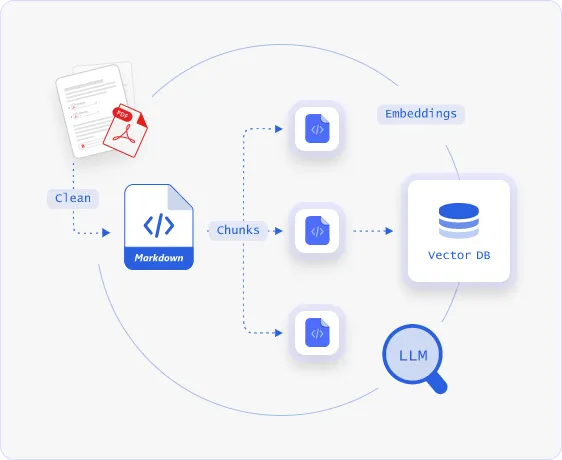
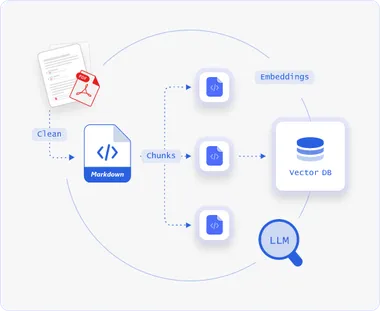
Raw PDF text doesn't hold up well in LLM and RAG pipelines — headings vanish, tables turn into noise, and lists lose their hierarchy, making content harder to split and retrieve. Convert your research papers, technical reports, and other PDFs to Markdown with iBoomto, and that structure survives. Feed the .md output straight into your pipeline.
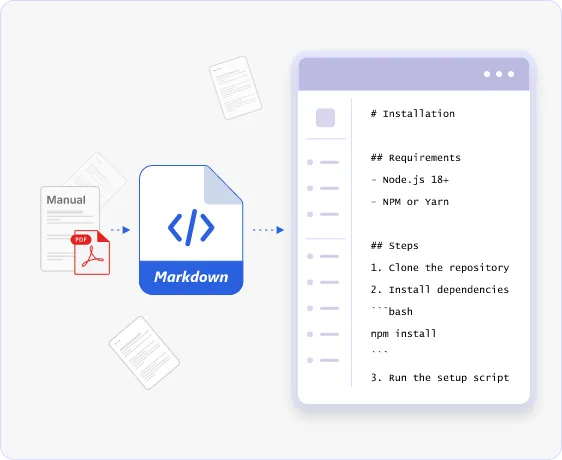
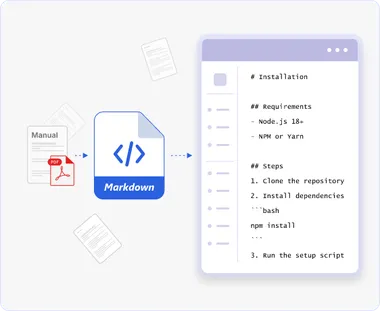
Legacy manuals, vendor specs, and API reference PDFs shouldn't take hours to retype. Upload the PDF and iBoomto hands you clean .md files ready to drop into MkDocs, Docusaurus, Hugo, or whatever you’re using. No retyping, no copy-paste cleanup.
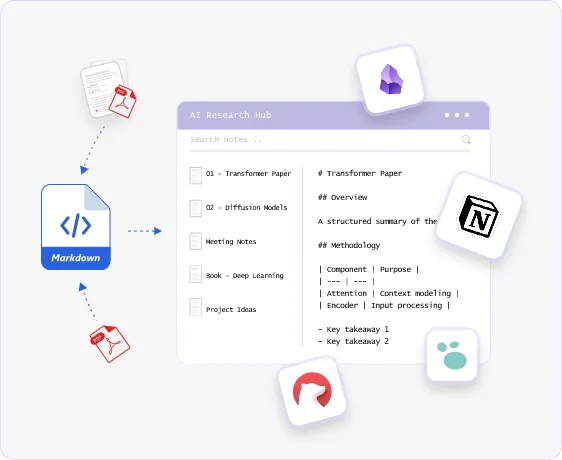
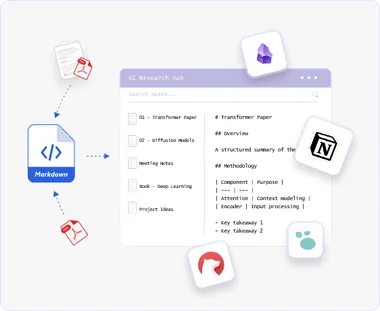
Markdown-based tools such as Obsidian, Notion, Logseq, and Bear are easier to use when document content is editable and structured. Convert research papers, textbooks, and meeting notes into Markdown so they can become part of your working knowledge base.
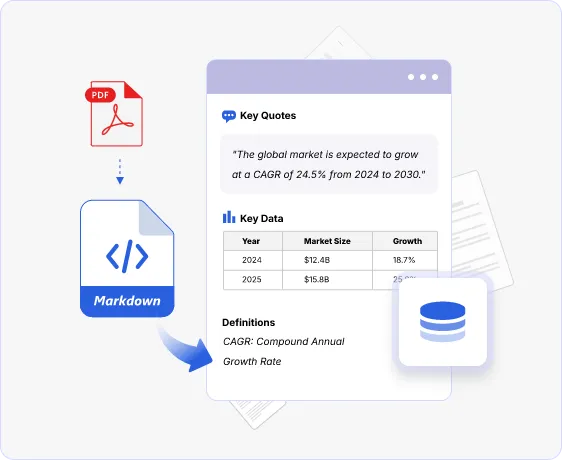
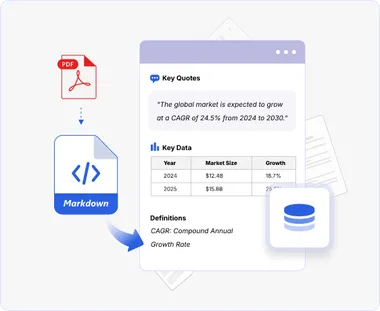
Writers, marketers, and researchers often need to reuse approved quotes, data, and definitions from PDF reports. Markdown makes that content easier to review, copy, reorganize, and cite while retaining its original structure.
iBoomto PDF to Markdown isn't built for just one job. It serves different roles across different workflows.

When researchers copy-paste from ArXiv papers, JSTOR downloads, or technical spec sheets, standard formatting breaks — destroying headers, scrambling citations, and flattening equations into unreadable plaintext. iBoomto converts complex multi-column PDFs into structured Markdown with intact section hierarchies and clean reference blocks. Drop your output straight into Obsidian, Notion, or Roam Research to build interconnected knowledge graphs without retyping a single footnote.

Knowledge and documentation teams manage policies, specs, and compliance reports scattered across drives and inboxes as PDFs - making updates slow and search nearly impossible. Converting them to Markdown turns that content into a structured, editable, and linkable format for use inside a knowledge base. Teams can tag by topic, cross-link related concepts, and edit Markdown directly when policies update.

Financial statements, 10-K filings, and economic indicators lock crucial data inside static PDF tables. Copy-pasting from these files usually collapses rows, merges cells, and forces hours of manual retyping. iBoomto preserves tables as proper Markdown tables with rows, columns, and headers intact, so analysts can extract and parse the data programmatically across multiple sources.
When researchers copy-paste from ArXiv papers, JSTOR downloads, or technical spec sheets, standard formatting breaks — destroying headers, scrambling citations, and flattening equations into unreadable plaintext. iBoomto converts complex multi-column PDFs into structured Markdown with intact section hierarchies and clean reference blocks. Drop your output straight into Obsidian, Notion, or Roam Research to build interconnected knowledge graphs without retyping a single footnote.
Knowledge and documentation teams manage policies, specs, and compliance reports scattered across drives and inboxes as PDFs - making updates slow and search nearly impossible. Converting them to Markdown turns that content into a structured, editable, and linkable format for use inside a knowledge base. Teams can tag by topic, cross-link related concepts, and edit Markdown directly when policies update.
Financial statements, 10-K filings, and economic indicators lock crucial data inside static PDF tables. Copy-pasting from these files usually collapses rows, merges cells, and forces hours of manual retyping. iBoomto preserves tables as proper Markdown tables with rows, columns, and headers intact, so analysts can extract and parse the data programmatically across multiple sources.
Everything you need to know about converting PDFs to Markdown with iBoomto.
Still have questions?
Contact UsEverything you need to know about converting PDFs to Markdown with iBoomto.
Still have questions?
Contact Us