iBoomto AI PDF Summarizer

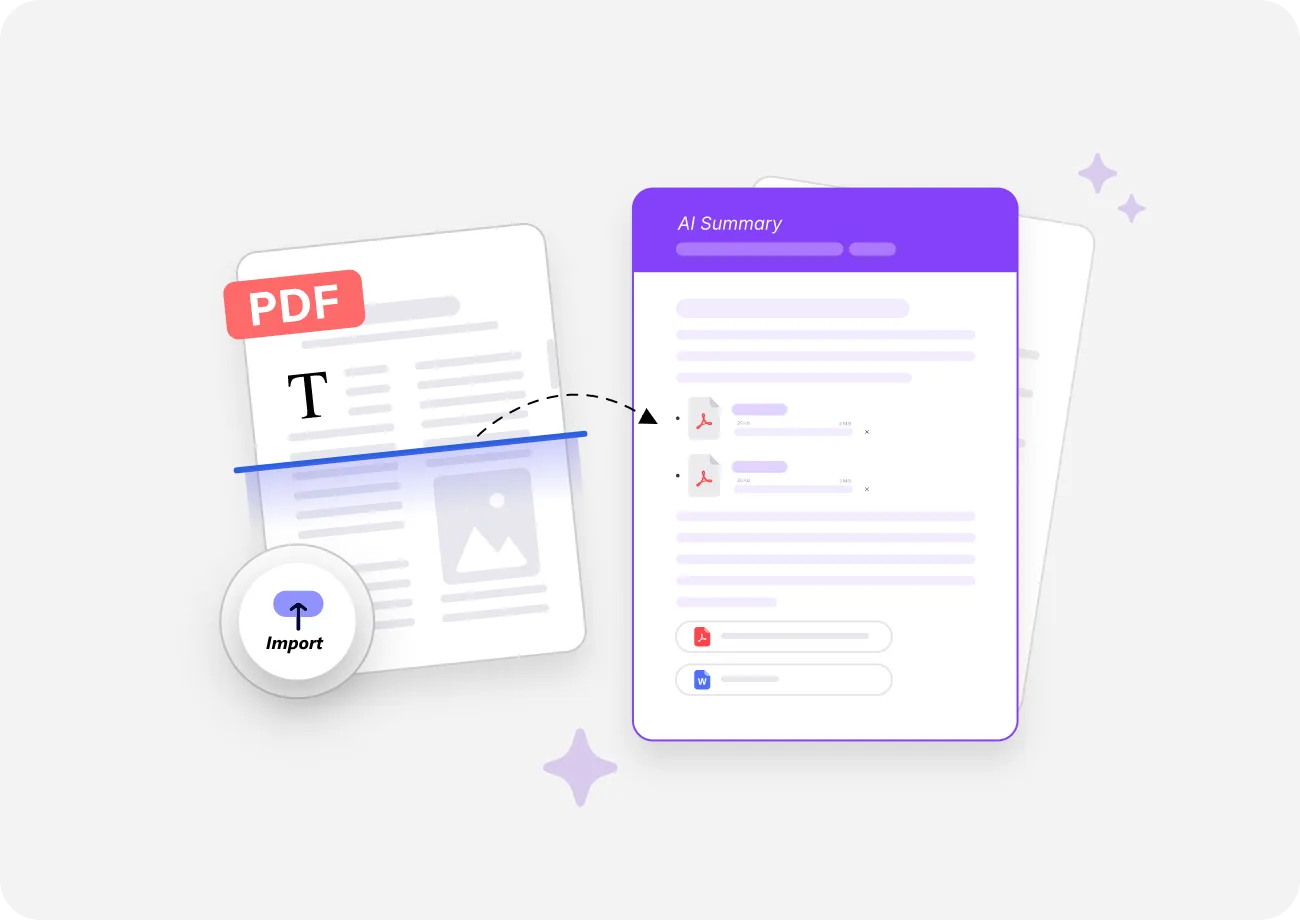
Upload your PDF and get key takeaways with source references in seconds. iBoomto turns long documents into structured summaries you can quickly understand and verify against the original text.

Select FilesProcessingor drag and drop files here
Highlights

What iBoomto AI PDF Summarizer Actually Does for Your Document

iBoomto doesn't dump a wall of text and call it a summary. It identifies the document structure, extracts key points, and organizes the results so you can review, copy, or ask follow-up questions. iBoomto AI PDF Summarizer is built for document workflows — it gives you a usable summary without making you rewrite the output from scratch.

AI PDF Summarizer No Prompt Needed

Get AI Summaries Without Prompt Engineering

Getting a usable summary shouldn't require five minutes of prompt crafting. Just upload your PDF, and iBoomto reads the full document, detects its structure, and summarizes the important information on its own — no trial-and-error with wording, no prompt templates to memorize.
AI PDF Summarizer Key Points Extraction

Find What Matters Without Reading Every Page

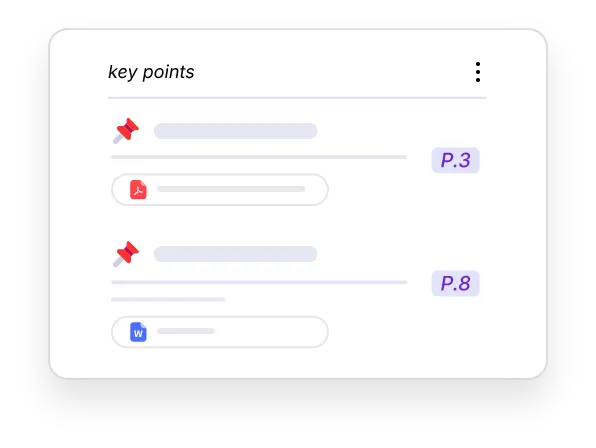
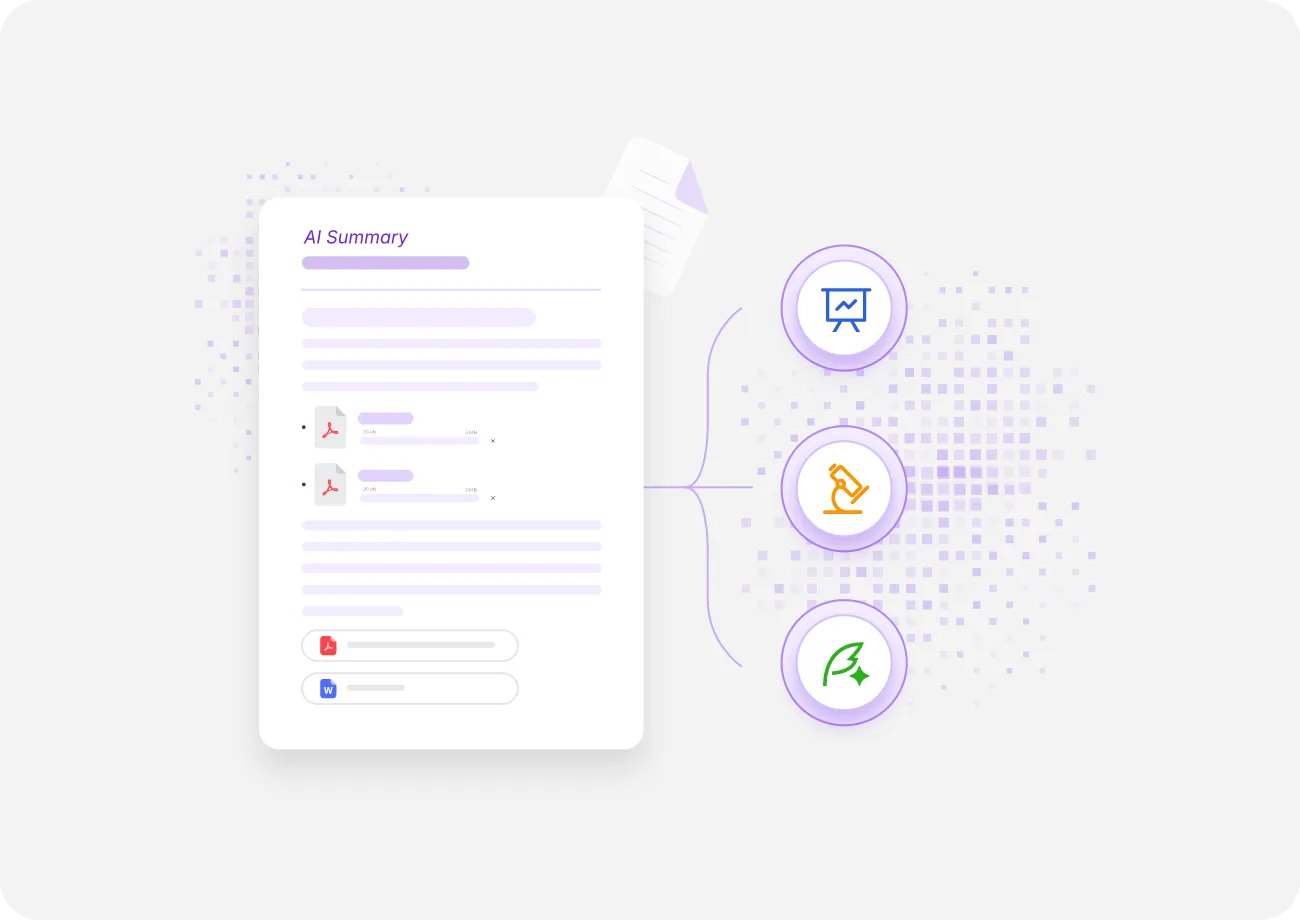
Long documents bury the key points. iBoomto finds them. It identifies the arguments, data points, and conclusions that matter — whether it's a research paper, an industry report, or a project brief — so you see what's important in seconds without scanning every page yourself.

Structured PDF Summary Output

Structured Output Ready for Any Scene

You shouldn't need to copy, paste, and reformat to get a usable summary. iBoomto formats summaries into clear sections instead of giving you one long block of text. Use the output for meeting prep, study notes, research review, report drafting, or quick document scanning.

Ask AI Questions About PDF Documents

Ask Follow-Up Questions in Natural Language

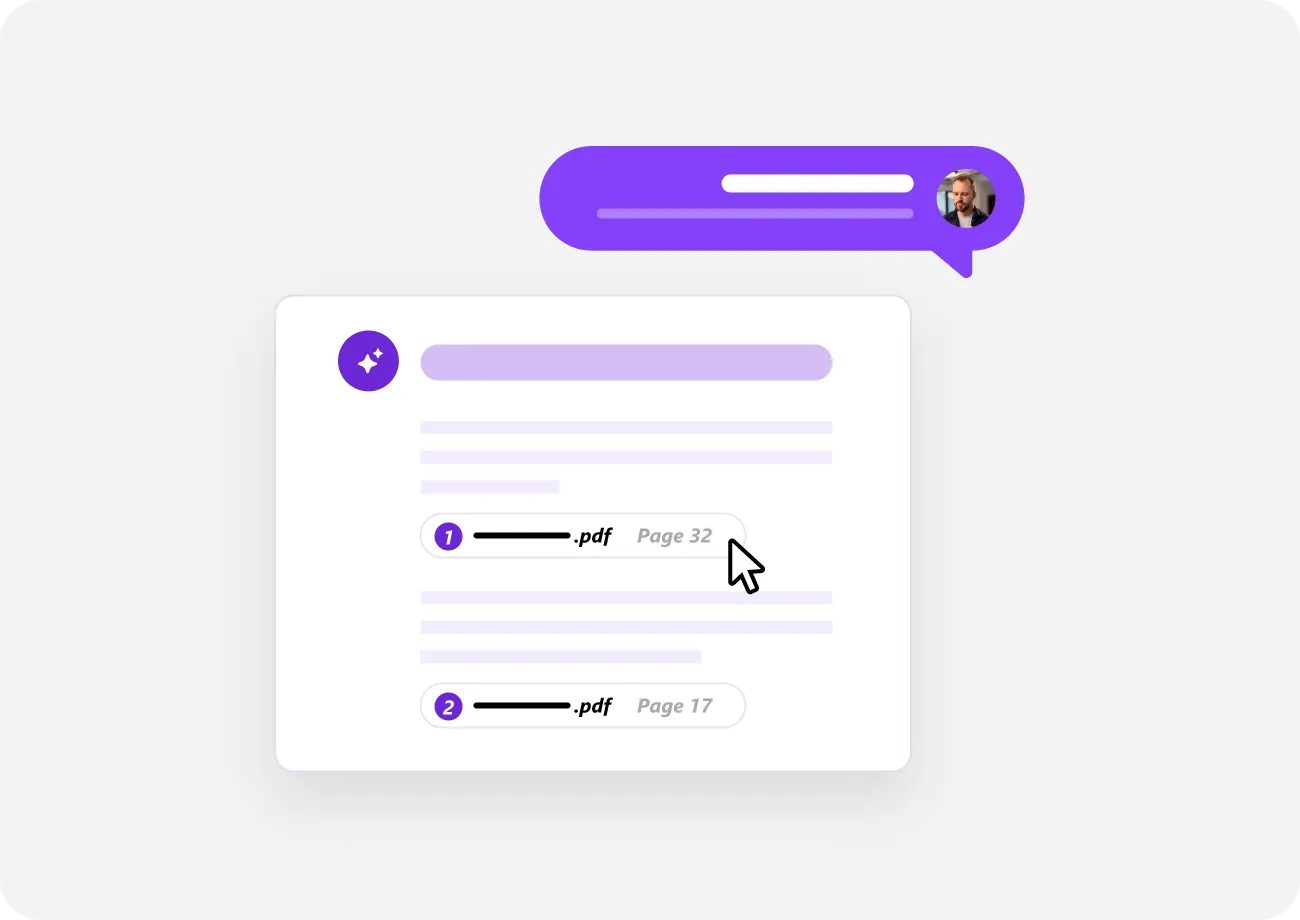
Want to dig into a specific section, argument, term, or data point? Ask in natural language — no syntax, no prompt templates. iBoomto understands your intent and responds with page-referenced answers. Behind the interaction, the AI applies optimized prompting strategies automatically, so even casual questions produce precise, structured results.

PDF Summary with Source Links

Every Summary Point Links Back to the Source

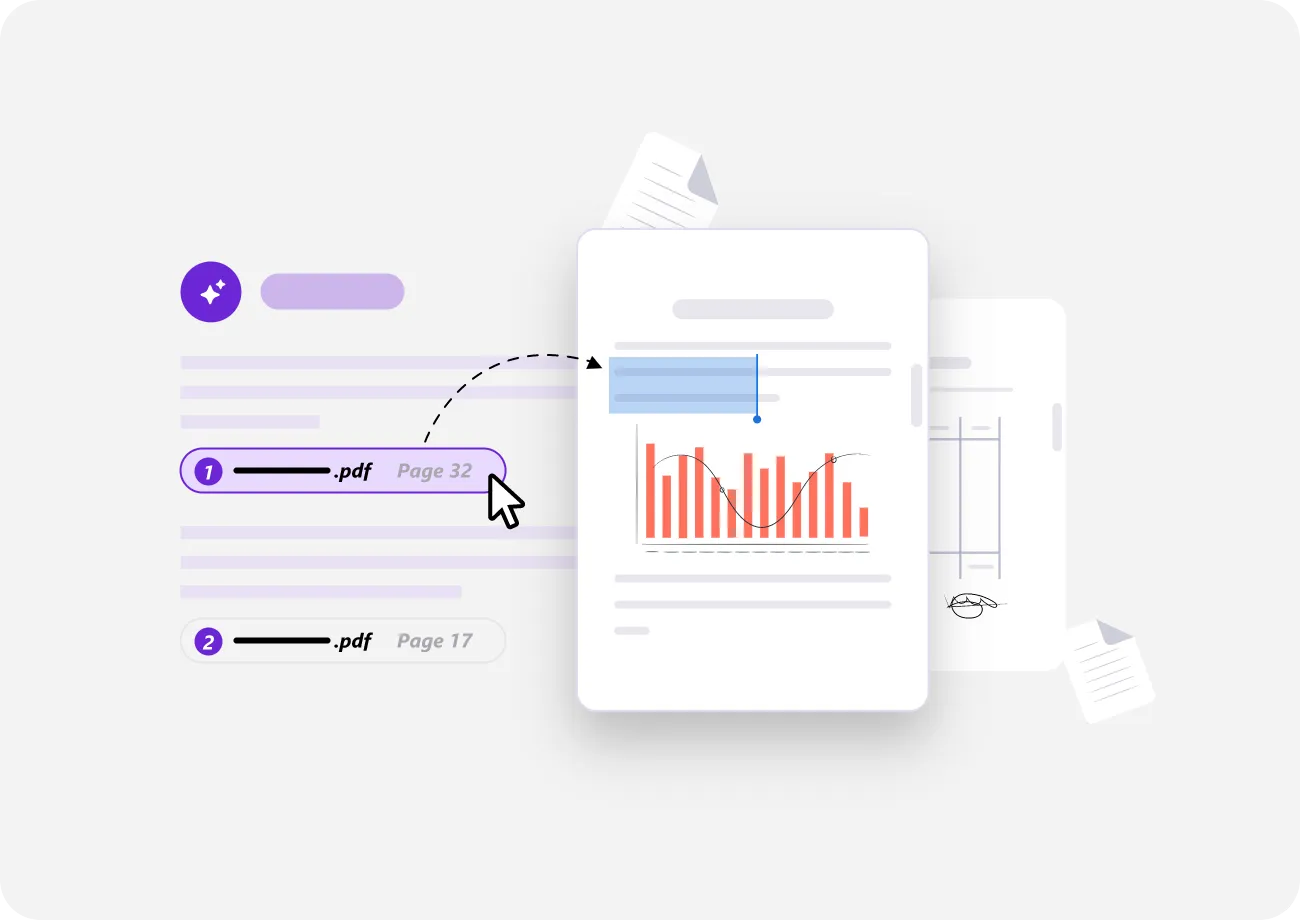
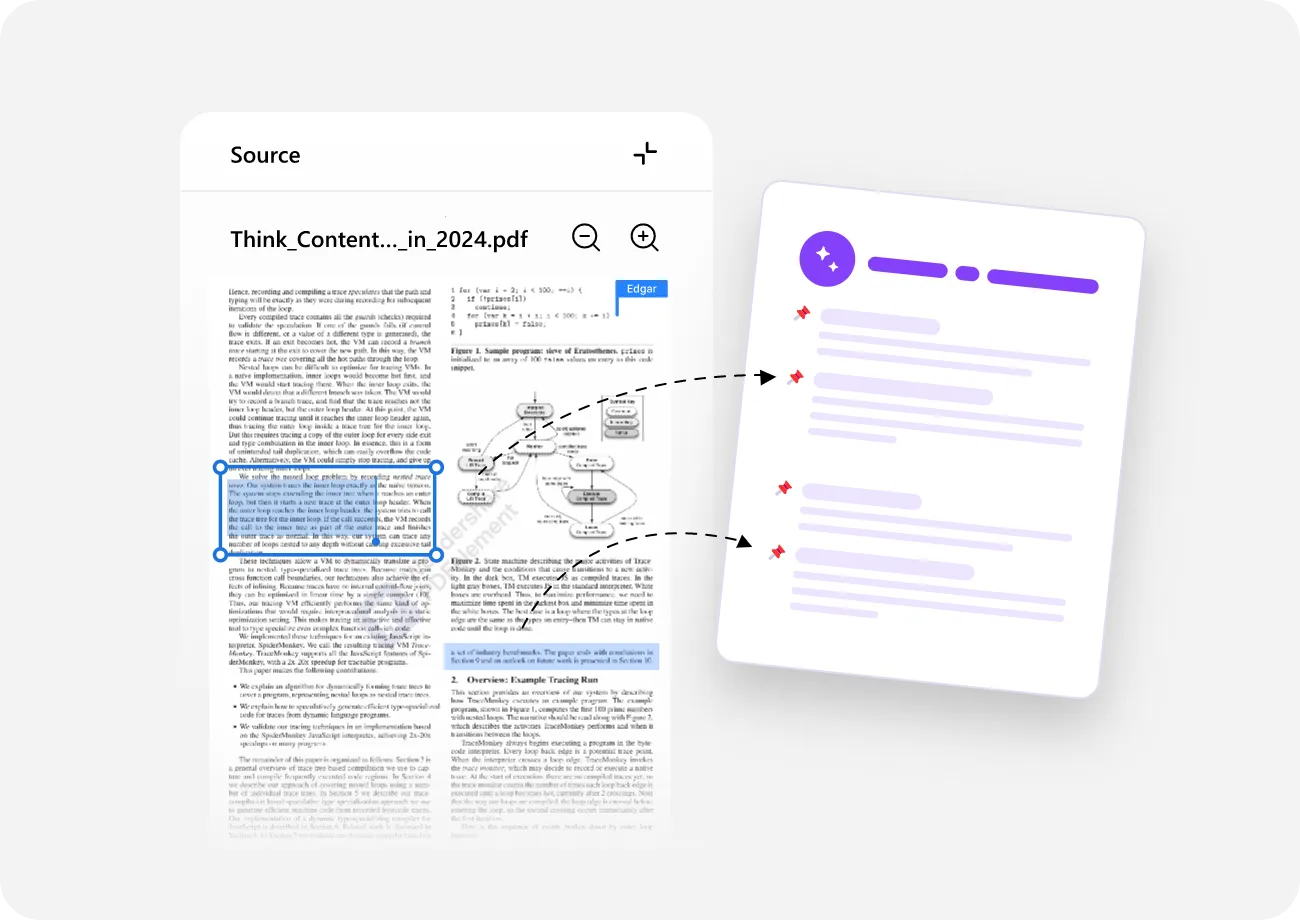
AI summaries are easier to trust when you can verify them. iBoomto can link each summary point back to the exact page it came from, so you can trace summary points back to its original source in the document and confirm important claims before using them.

Turn PDF Summaries into Notes You Can Actually Use

A summary tells you what the document says. Good notes tell you what you need. iBoomto doesn't just summarize — it structures the output so you can use it as notes right away: bullet points for quick review, chapter takeaways for navigation, and study-ready formats for exams and meetings.

Bullet Point Notes

iBoomto extracts key arguments, data points, and conclusions as clean bullet lists. Each bullet links back to the source page, so you can jump to the original context whenever you need depth.

Bullet Point Notes from PDF

Chapter Takeaways

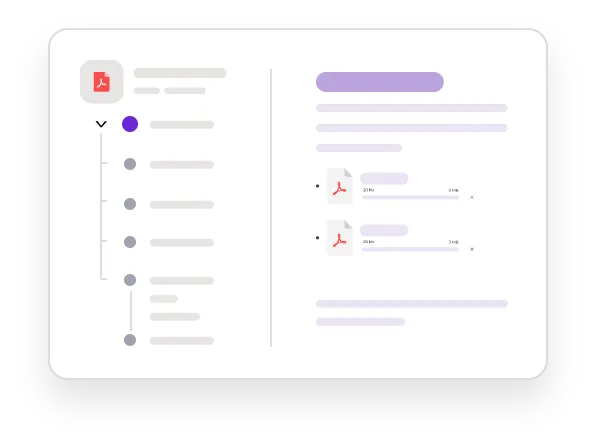
Long documents broken into per-chapter summaries. See the big picture at a glance, or jump to any chapter for the details. No more reading cover to cover just to find what you need.

Chapter Takeaways from PDF

Study Notes

Students and researchers can use iBoomto to create study-ready notes from their PDFs. Key terms, definitions, arguments, and evidence — organized for quick review, not as a wall of text.

Study Notes from PDF
How It Works

How to Summarize PDF with iBoomto AI for Free

  1. 1

    Upload Your PDF

    Drag and drop, or click to browse. Research papers, business reports, legal contracts, textbooks — iBoomto accepts any PDF.

  2. 2

    Let AI Read & Summarize the Document

    iBoomto's AI reads the entire document, understands the structure, and extracts the key points. Everything organized into a structured summary with source references — automatically, in seconds.

  3. 3

    Review, Copy, or Ask Follow-Up Questions

    Your summary arrives as bullet points and key takeaways, each with a source page link. Copy it, export it, or ask follow-up questions to dig into any section. No sign-up needed to get your result.

From Research Papers to Business Reports — iBoomto AI PDF Summarizer Built for Common PDF Workflows

What Users Say About iBoomto AI
PDF Summarizer

iBoomto AI Workspace for PC Tasks

PDF Summarizer Is Just the BeginningiBoomto Is Building Your AI Workspace

PDF summarization is just the start. iBoomto is building a full AI workspace where you describe what you need in natural language, and AI handles the entire workflow — from documents to images to files. More tools are coming, all in one place, all designed for real PC tasks.

Explore the AI Workspace
FAQs

Frequently Asked
Questions

Everything you need to know before getting started with iBoomto AI.

Is iBoomto AI PDF Summarizer really free?

Yes, iBoomto offers free daily usage for AI PDF Summarizer. No hidden fees, no credit card required, no trial period. The daily free usage is designed to cover most everyday PDF summarization needs.

How can I summarize a PDF file?

Simply upload your PDF to iBoomto, describe what you want to know, and the AI will instantly generate a structured summary with key points and source references.

How to extract key points from a PDF?

iBoomto automatically identifies and extracts key arguments, data, and conclusions from your PDF, presenting them in a structured format with page references. You don't need to specify what to look for — the AI identifies the most important content on its own.

Will the AI miss important details or hallucinate facts from the PDF?

iBoomto is designed to minimize hallucination risks. Every summary point includes a source page reference — you can click to verify any claim against the original text.

To get the most accurate results, you can refer to the following tips:

(1) Use clear, specific questions when asking follow-ups (e.g., "What are the key findings in Section 4?");

(2) Always cross-check important claims using the source links;

(3) For critical documents like legal contracts, review the summary alongside the original rather than relying on it alone.

Is it safe to upload confidential, academic, or work documents?

Yes. Your files are processed in real-time and deleted after summarization. Nothing is stored permanently or shared with third parties. iBoomto doesn't use your documents to train our models.

Does iBoomto online AI PDF Summarizer support file formats other than PDF?

iBoomto online AI PDF Summarizer currently supports PDF files only. To work with other document formats such as DOCX, PPTX, and TXT, you can download iBoomto AI, a local AI agent for document processing. It supports Word documents, PowerPoint presentations, text files, and other common document formats directly, with no conversion required.

Does iBoomto support scanned PDFs, or image-based PDFs?

Yes. iBoomto supports scanned PDFs and image-based PDFs directly — no need to run OCR yourself or convert the file first. Built-in processing recognizes text within images, so scanned documents, photographed pages, and image-based files are all handled in one upload.

What is the best AI PDF summarizer?

There are several good options available.

ChatGPT and Claude handle PDF summarization well but require prompt crafting and produce conversational paragraphs rather than structured, source-referenced output. Smallpdf offers dedicated PDF summarization features, though most are paid and limited in file size or output format.

If you're looking for a free AI PDF summarization tool, iBoomto is worth trying. It outputs structured summaries with source citations, needing no prompt engineering. iBoomto is specially built for document tasks and requires no sign-up or subscription.

Which languages does iBoomto support for PDF summarization?

iBoomto supports multilingual PDF processing, including English, German, French and other major languages. You can upload a mixed-language document (e.g., an English paper with Latin proper nouns), and iBoomto will handle it without needing a separate translation step.

Still have questions?Contact Us

Get the Points, Skip the PagesStart Summarizing Your PDFs with iBoomto Now!