
Find Answers Across Your Files
Ask your knowledge base a question to find relevant information across your documents and notes. Spend less time opening files one by one and searching for the details you need.


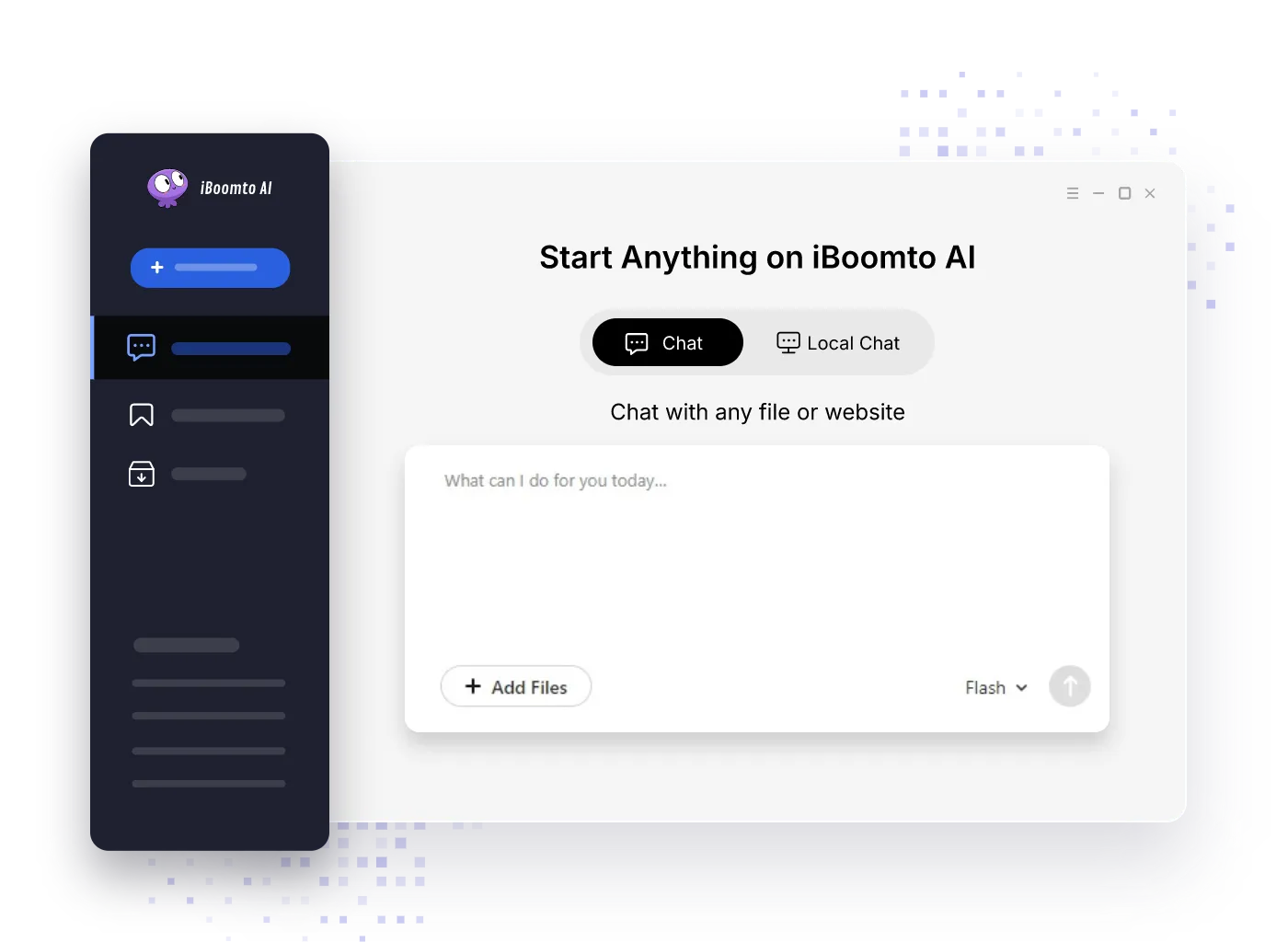
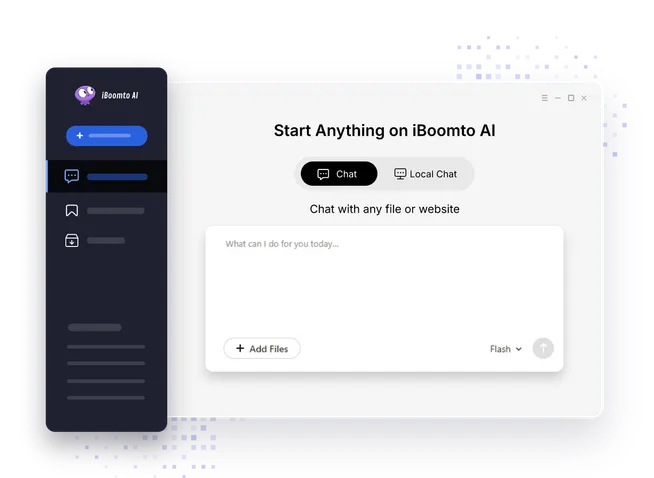
Ask questions, summarize long documents, and extract key details from your files or knowledge base with iBoomto—an AI document assistant that supports both cloud and local AI models. Turn any document task into a simple conversation.
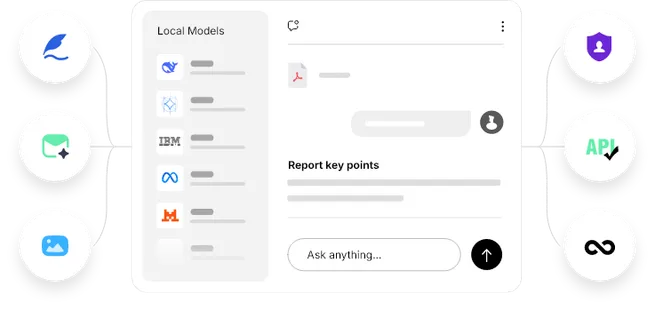
iBoomto brings local AI model support to your desktop, helping you work with documents and organize tasks into workflows.
One-click install dozens of upstream local AI models. Get going right away, free from account creation or extra setup.


No data is uploaded to external servers. Your documents never leave your device.

Keep working with supported local features without an internet connection after downloading your model.
Enjoy unlimited local AI document assistance. No credits, no tokens, and no hidden fees.


Ask your knowledge base a question to find relevant information across your documents and notes. Spend less time opening files one by one and searching for the details you need.
Get answers shaped around your question and the material in your knowledge base. Bring information together for the task at hand, with less manual compilation and reorganization.
Review content flagged for an update and choose what to refresh. Keep your knowledge base current as source material changes, with updates under your control.
Create separate knowledge bases for different projects or topics. Return to the relevant collection for follow-up questions so you can build on earlier work without gathering the same background again.
Turn scattered files into an organized knowledge base with iBoomto. Manage, analyze, and retrieve documents for trusted answers rooted in real data quickly. Both online and desktop versions are available.
Work Faster. Study Smarter.
Chat with PDFs and more files and get accurate answers instantly. Find facts, explanations, references, and key insights without wasting time scrolling or manually searching through pages.
Chat with Your File Free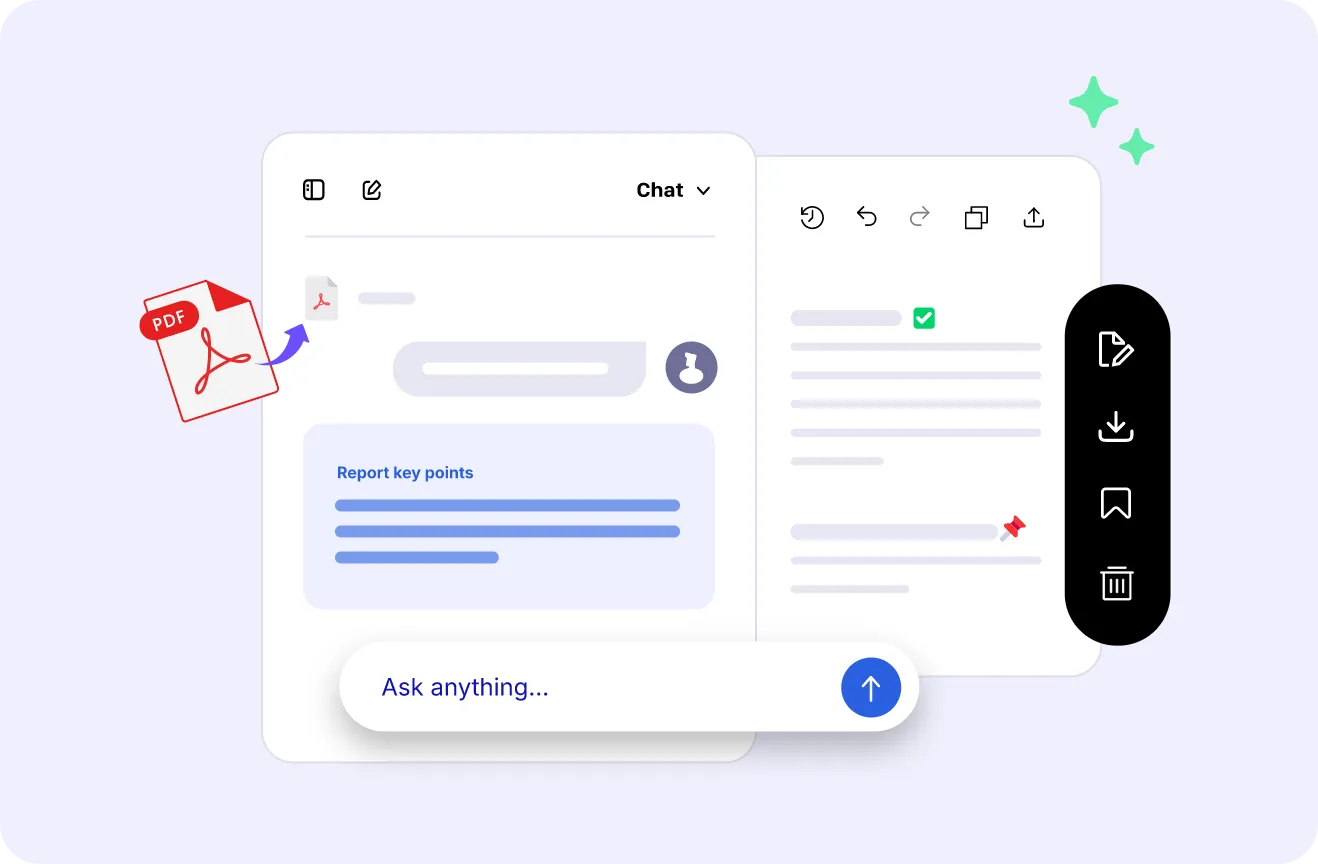
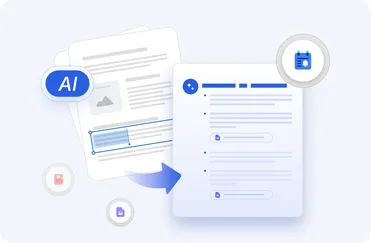
Turn reports, research papers, contracts, manuals, and study materials into concise summaries. Get the main leads and key takeaways in a flash.
Make a Summary Free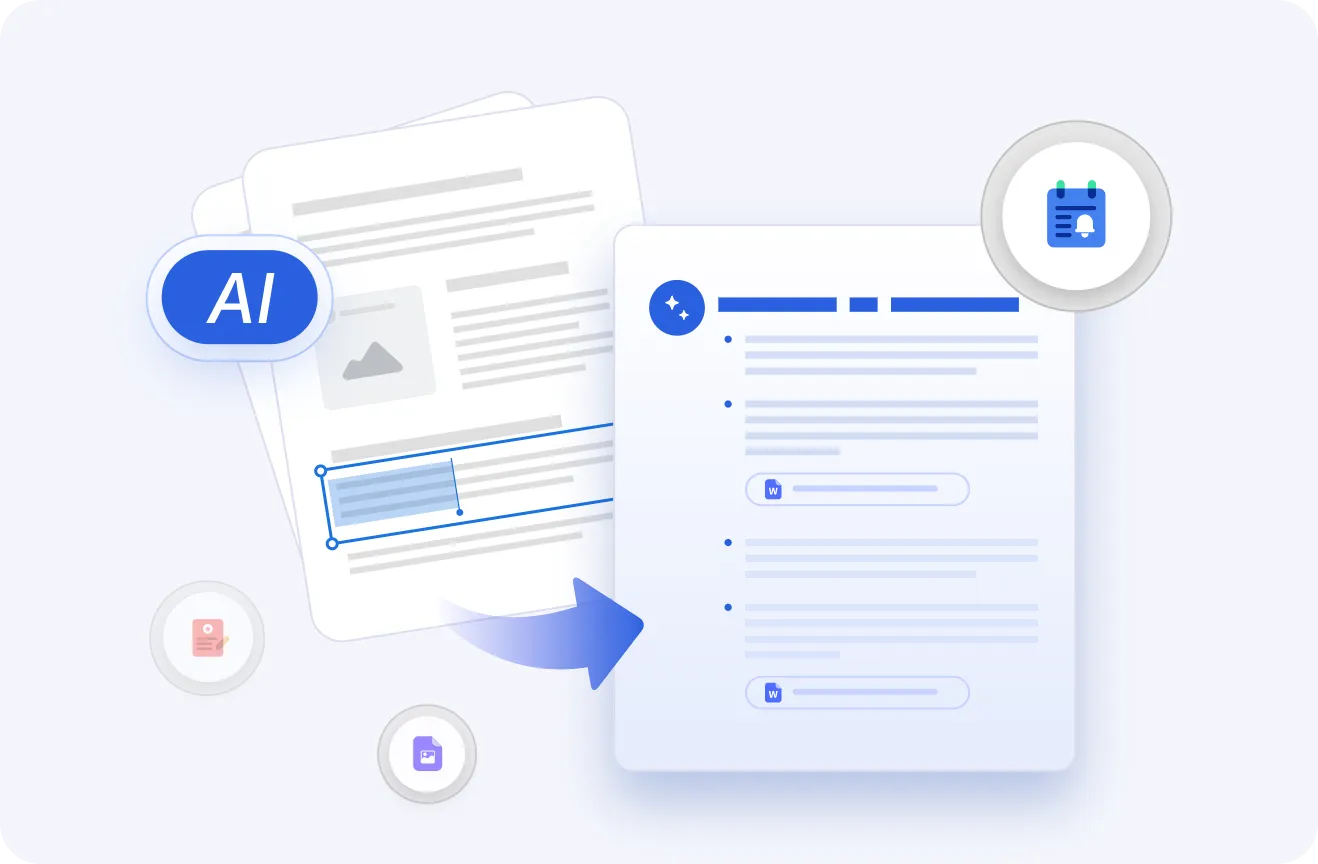
Pull text, statistics, visuals, and important details from documents, then organize and export the results for research, study, reporting, or daily work.
Extract Data Free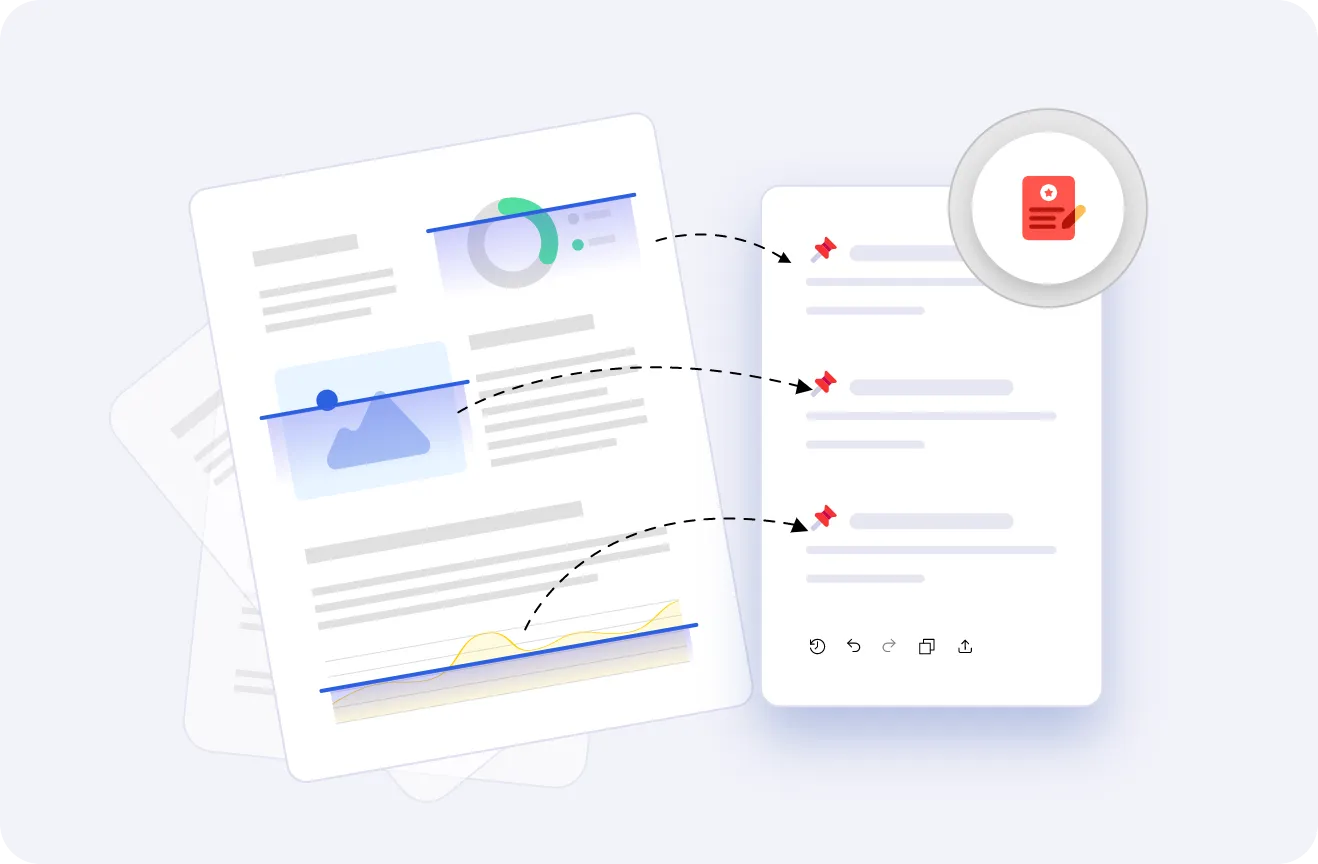
Instantly make PDFs, Word files, and scans easier to read and accessible for searching, copy-and-paste, markup, and other document tasks with iBoomto AI.
Read with AI Free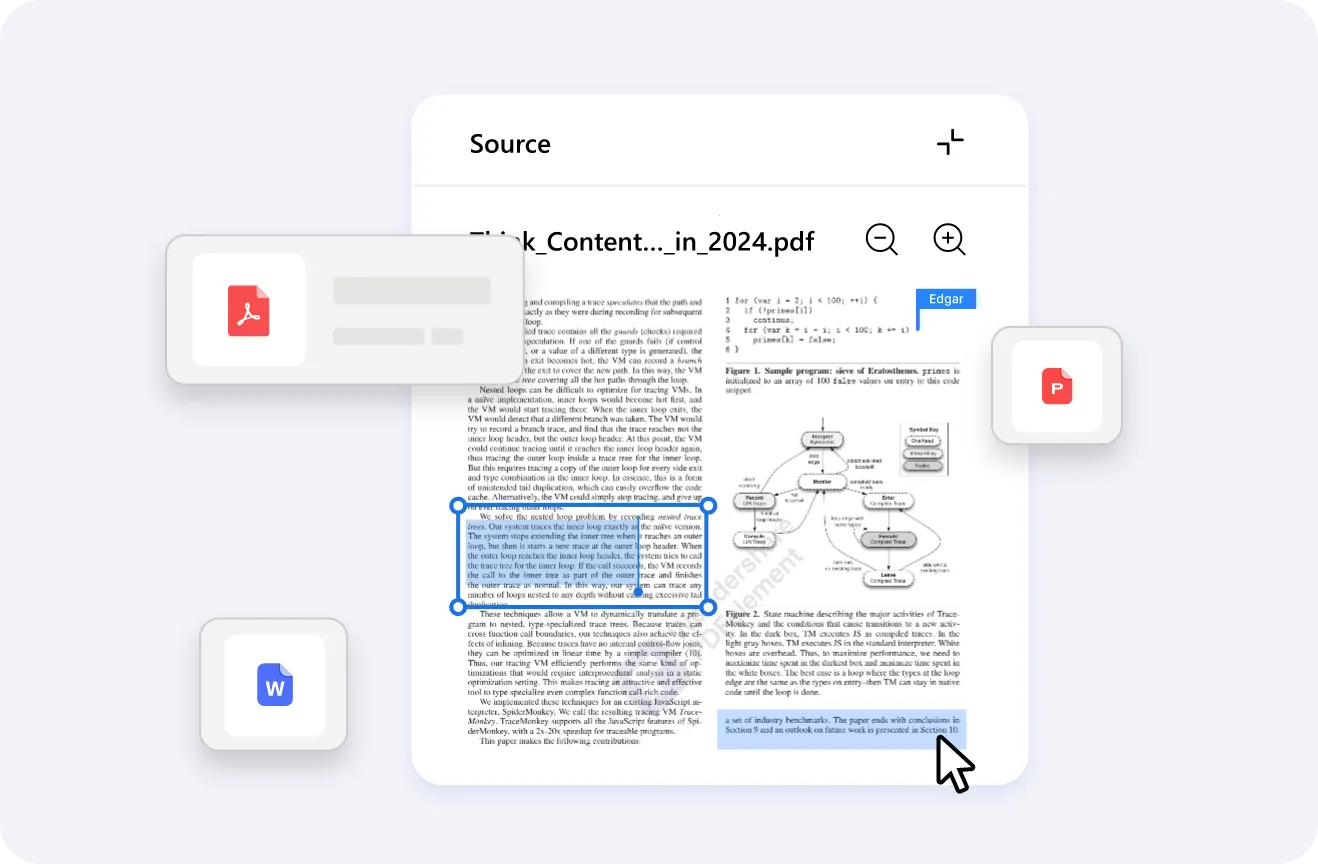
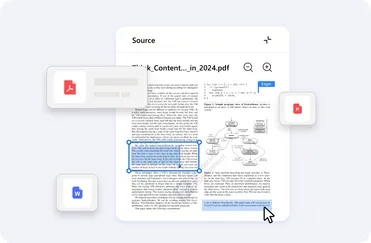
Describe your ideas in plain language, and iBoomto can help you turn them into polished documents right away. Create reports, forms, letters, proposals, and more. You don’t need to start from a blank page with your hands.
Create a Document Free
 Highlights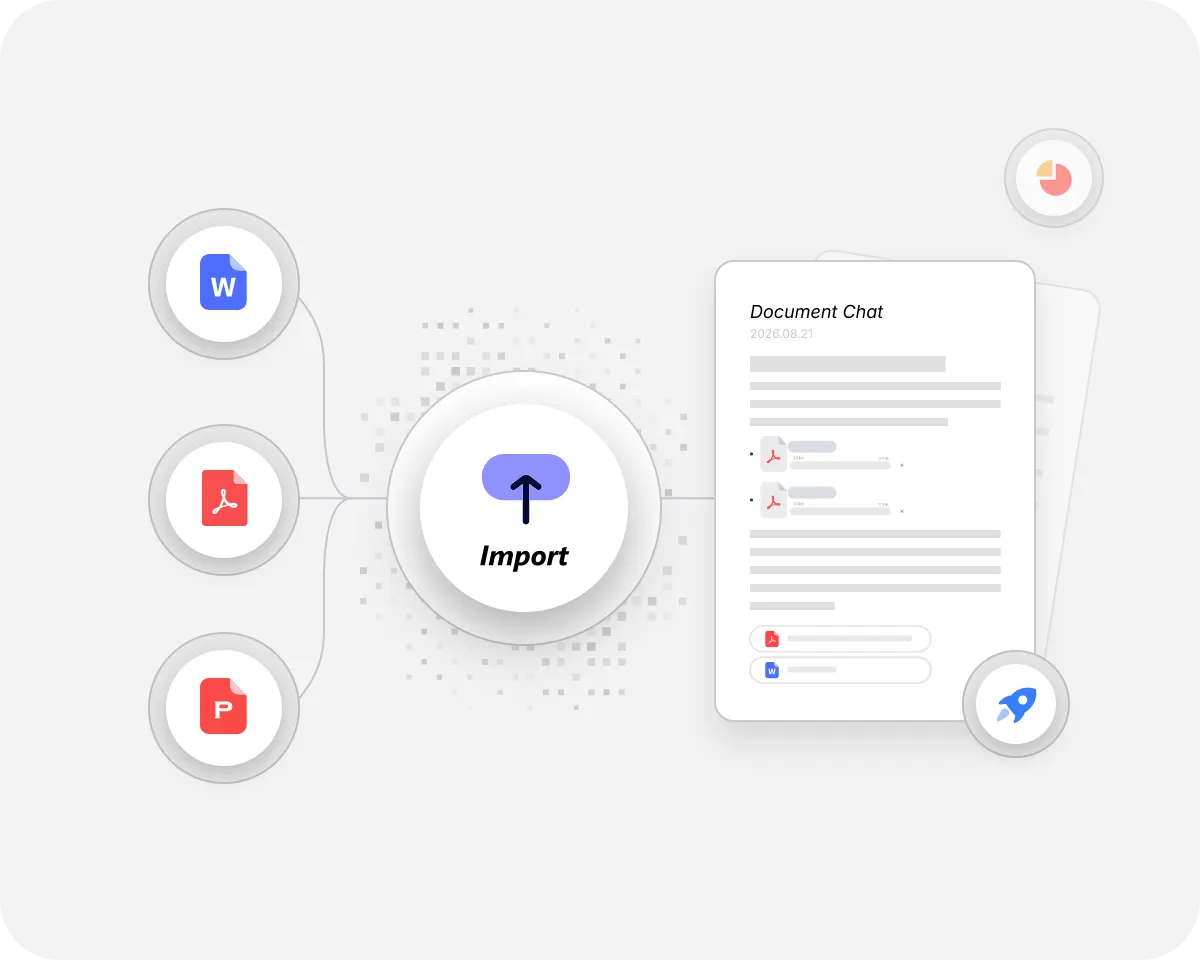
Tell iBoomto what you need from your documents, and let the AI agent handle the rest. It helps analyze long content, capture data, and get significant findings across files in seconds, like a responsive, skilled assistant by your side. By shifting repetitive manual tasks to iBoomto, you can focus entirely on high-value choices. Choose from online or local AI models for supported tasks, then review the results and decide what to do next.
Quick Start NowSubscribe to Get the Download Link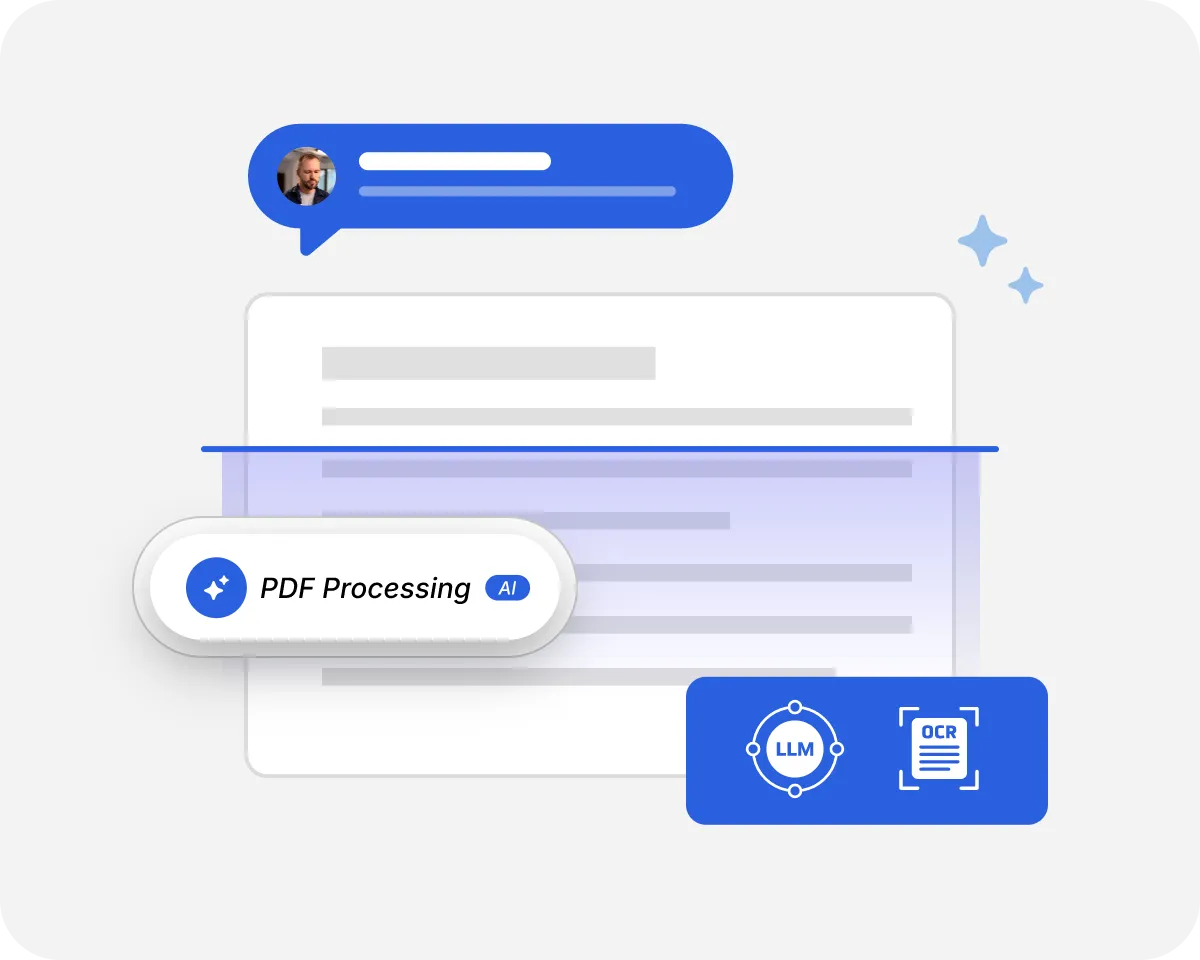
Use Agentic OCR and vision-language models to deeply identify your inputs, understand the exact context, and get decision-making outputs without a hitch. The built-in validation rules of iBoomto further guarantee that the final delivery is accurate and secure. No matter the document type or complexity, iBoomto delivers consistent precision and reliability, perfectly suitable for professional projects.
Get Precise Results FreeSubscribe to Get the Download Link
Add multiple files in one batch to compare information, ask questions across documents, or prepare a combined summary. Bring related sources together for your research, study notes, or next report without adding each file separately.
Batch Process Files NowSubscribe to Get the Download LinkChoose cloud or local AI models that fit your tasks from the AI document processing tool, whether you’re reviewing source material or preparing content for reuse.
iBoomto accepts a wide range of document formats, including PDF, Word, Excel, PowerPoint, CSV, plain text, Markdown, and HTML, etc. All your materials can be processed easily as they are.

No matter the page count or layout complexity, the document AI chatbot delivers accurate, end-to-end data analysis. It even securely processes password-protected documents so you can easily edit, copy, and share the section you need.
Easily add documents in English, French, Chinese, Spanish, and many other languages. The built-in Natural Language Processing (NLP) allows the AI agent to accurately parse foreign inputs and export localized results.
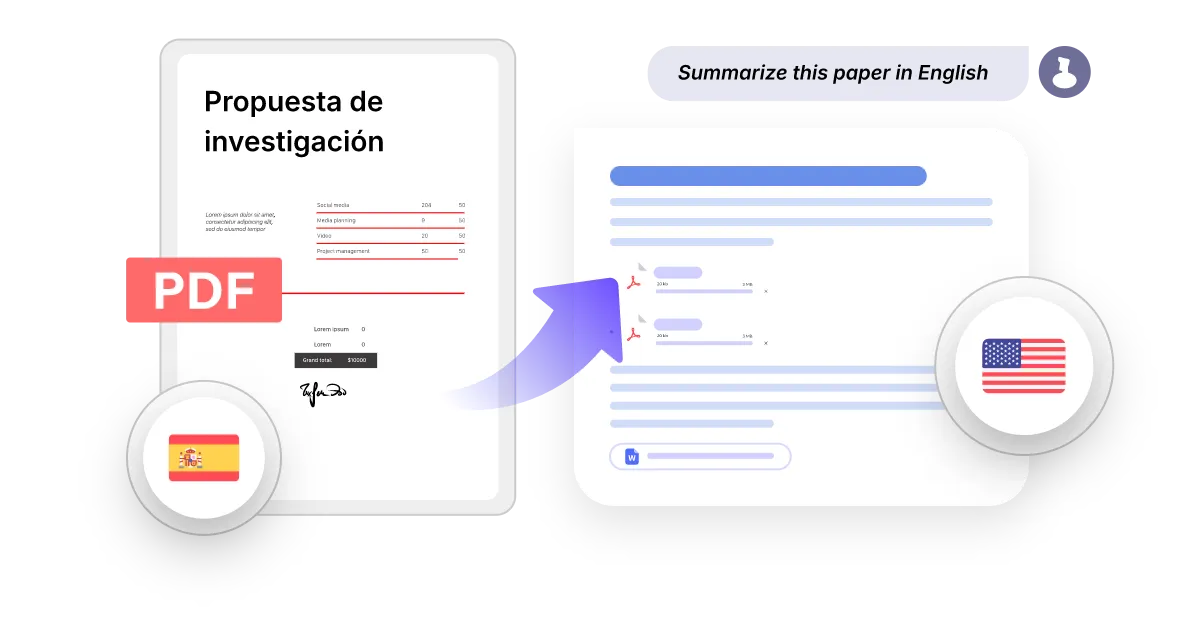
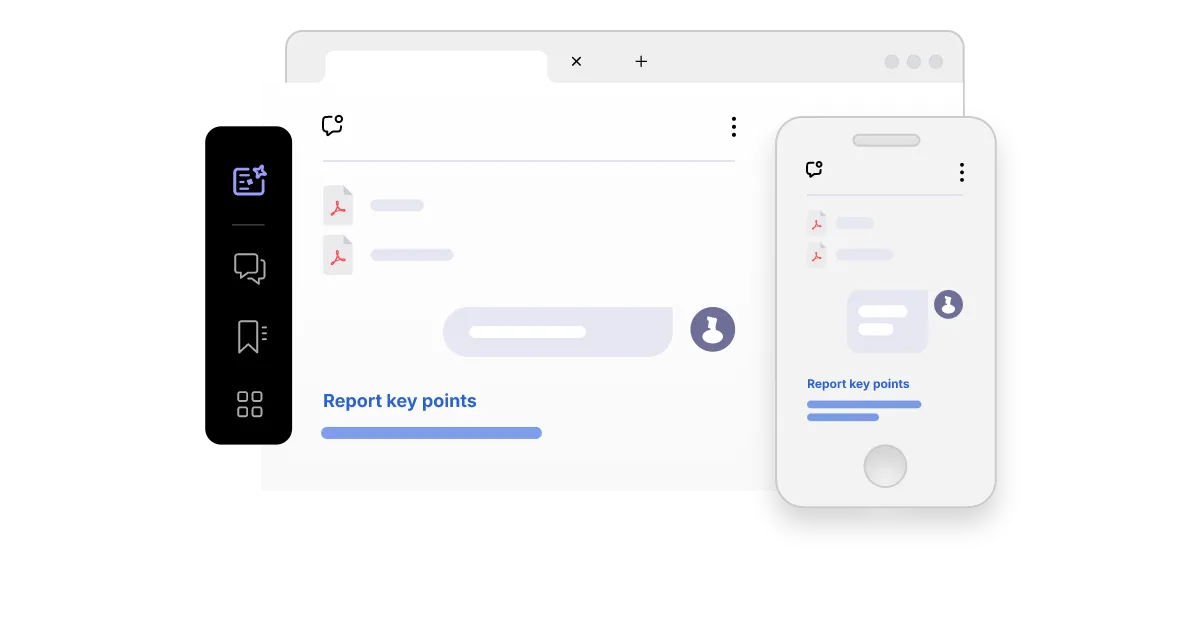
With seamless accessibility across all major web browsers, iBoomto empowers you to manage documents on the go. Open the web app on your mobile device, tablet, or desktop to instantly extract the data you need.
Built with security by design, iBoomto protects user privacy and secures sensitive information throughout every step of the document workflow.

iBoomto operates on a secure on-premise server, processing all data in a more private environment. With strict, multi-layered security built in, your information remains locked down and protected from breaches.

From setup to result, iBoomto AI local models keep you in complete control, ensuring a purely private workspace of your own.

Your files are never trained by iBoomto AI. The document agent updates its core engine exclusively through rule-based systems rather than learning from user inputs. Your data stays entirely in your hands.

iBoomto temporarily stores only the data necessary to process your documents. After processing is complete, all cached data is automatically and securely erased, with no long-term storage.

You can also carry out instant data clean-up. Once you do, all the designated files will be wiped away at once without any residue.

Multi-layer encryption and local processing of iBoomto make it more secure to keep sensitive information, as well. Your documents are protected throughout the entire flow.
Built with security by design, iBoomto protects user privacy and secures sensitive information throughout every step of the document workflow.
iBoomto operates on a secure on-premise server, processing all data in a more private environment. With strict, multi-layered security built in, your information remains locked down and protected from breaches.
From setup to result, iBoomto AI local models keep you in complete control, ensuring a purely private workspace of your own.
Your files are never trained by iBoomto AI. The document agent updates its core engine exclusively through rule-based systems rather than learning from user inputs. Your data stays entirely in your hands.
iBoomto temporarily stores only the data necessary to process your documents. After processing is complete, all cached data is automatically and securely erased, with no long-term storage.
You can also carry out instant data clean-up. Once you do, all the designated files will be wiped away at once without any residue.
Multi-layer encryption and local processing of iBoomto make it more secure to keep sensitive information, as well. Your documents are protected throughout the entire flow.
Ready for individuals and teams across every industry, the iBoomto AI agent automates document tasks to boost productivity and deliver better results.

Use iBoomto to summarize long chapters, clarify difficult concepts, and organize your study notes. Build a knowledge base for each subject from your readings, notes, and course materials with the AI agent. Return to the same collection to ask follow-up questions, compare ideas across sources, and review key concepts. Turn what you find into structured study summaries or presentation outlines.

Make massive business files searchable, safely manageable, and ready for automation in one hub with iBoomto. Simply chat with the AI document agent to extract materials from financial reports, manuals, and training materials. Whether for contract reviewing, crew training, or marketing strategy decisions, the results can be used directly in your projects.

Researchers can use iBoomto as a smart AI assistant to increase research productivity. Drawing on both the built-in knowledge center and your personal collection base, you can effortlessly find supporting sources, compare findings, write concise summaries tailored to your studies, and identify research gaps and promising directions at any time.

Strong writing starts with reliable facts and evidence. With iBoomto, you can instantly find accurate answers, key facts, and supporting data from large informational documents for your own topic. It also acts as a real-time writing assistant, helping you summarize content, refine wording, improve formatting, and enhance your writing with ease.

With iBoomto, legal professionals can review lengthy documents, outline materials, and pull out key details that matter. The platform makes it convenient to store relevant files in the AI-powered repository and query them at any time. While the AI assistant supports document review and preparation, legal interpretation and final decisions should stay with qualified professionals.





Ready for individuals and teams across every industry, the iBoomto AI agent automates document tasks to boost productivity and deliver better results.
Use iBoomto to summarize long chapters, clarify difficult concepts, and organize your study notes. Build a knowledge base for each subject from your readings, notes, and course materials with the AI agent. Return to the same collection to ask follow-up questions, compare ideas across sources, and review key concepts. Turn what you find into structured study summaries or presentation outlines.
Make massive business files searchable, safely manageable, and ready for automation in one hub with iBoomto. Simply chat with the AI document agent to extract materials from financial reports, manuals, and training materials. Whether for contract reviewing, crew training, or marketing strategy decisions, the results can be used directly in your projects.
Researchers can use iBoomto as a smart AI assistant to increase research productivity. Drawing on both the built-in knowledge center and your personal collection base, you can effortlessly find supporting sources, compare findings, write concise summaries tailored to your studies, and identify research gaps and promising directions at any time.
Strong writing starts with reliable facts and evidence. With iBoomto, you can instantly find accurate answers, key facts, and supporting data from large informational documents for your own topic. It also acts as a real-time writing assistant, helping you summarize content, refine wording, improve formatting, and enhance your writing with ease.
With iBoomto, legal professionals can review lengthy documents, outline materials, and pull out key details that matter. The platform makes it convenient to store relevant files in the AI-powered repository and query them at any time. While the AI assistant supports document review and preparation, legal interpretation and final decisions should stay with qualified professionals.
For a quick document task, you can also choose iBoomto’s free online tools to summarize PDFs, convert files, or extract text and tables directly in your browser — no installation needed.



Everything you may want to know before getting started with iBoomto.
Still have questions?
Contact UsEverything you may want to know before getting started with iBoomto.
Still have questions?
Contact Us

Chat with PDFs, extract key information, create concise summaries, and review documents without effort.
No fluff. Just free, new stuff. (Demos, credits, updates and the occasional thing we're proud of)
Thanks for subscribing! Stay tuned for demos, credits, and updates.


