Login
Login
No fluff. Just free, new stuff. (Demos, credits, updates and the occasional thing we're proud of)
Thanks for subscribing! Stay tuned for demos, credits, and updates.
NotebookLM, Google's AI research assistant, was renamed Gemini Notebook in July 2026 and keeps the same core features. It is widely regarded as one of the best tools for making sense of dense documents, thanks to answers grounded in your own sources. But as AI assistants advance rapidly, more NoteBookLM alternatives are now available to free users from manual content analysis and understanding.
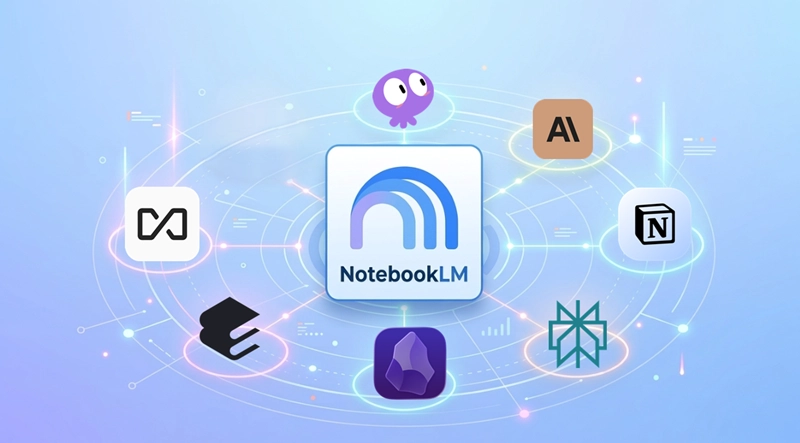
Whether you're frustrated with Gemini Notebook for certain tasks or simply want a backup, there is no shortage of good options. We tested the leading AI document assistants and compared them below, covering what each one focuses on and what makes it a strong alternative to NotebookLM.
Check out the comparison table of the NotebookLM alternatives across key dimensions for your quick reference.
|
Alternative |
Pricing |
Privacy |
Models |
Platform |
|
Perplexity |
|
Logs and trains on searches by default unless opted out. |
Perplexity Sonar series, GPT-5.6, Claude Sonnet 5 and Opus 5, Gemini 3.7 Flash, Grok 4.6, Kimi K3, GLM 5.3, Nemotron 3 Ultra |
Web, Windows, macOS, Android, iOS. |
|
iBoomto AI |
|
Fully local models with no training or storage; cloud processing uploads files temporarily. |
Qwen3 series, Gemma 4, DeepSeek R1, LLaMA, Mistral, IBM Research Granite series |
Web, Windows |
|
AnythingLLM |
|
Features self-hosted open source models, putting everything within your control. |
A huge range of cloud and local LLM providers, with support for plugging in your own custom models — covering pretty much every major name you'd recognize. |
Mac, Windows, Linux, Android, iOS, Self-host on the cloud with Docker |
|
Obsidian |
|
All data is stored locally without being uploaded to remote servers, and any features that do connect online follow a strict privacy policy. |
No models built in; users can add external plugins to bring in a borad range of models they need. |
Windows, macOS, Linux, Android, iOS. |
|
Notion AI |
|
Your data is not used for model training; it is customer-isolated and encrypted in transit to AI subprocessors. |
GPT-4.1, Claude 3.7, Gemini, and an updating collection of other models. |
Web, Windows, macOS, Android, iOS. |
|
Elicit |
|
Everything you upload stays siloed to your own account, never visible to other Elicit users. |
GPT-3, GPT-4 |
Web |
|
Calude Projects |
|
Visibility is restricted to invited members by default, with model training available only as a separate, opt-in choice. |
Clude Fable, Opus, Sonet, and Haiku series |
Web, Windows, macOS. |
Let’s dive into the details of each option if you have not yet made a decision. In this part, we will respectively explain the NotebookLM alternatives in depth so that you have a better understanding of each.
Perplexity is an AI-powered search engine and research tool that helps users find accurate answers on virtually any topic in one place. Simply enter a question or prompt, and Perplexity searches the live web to retrieve relevant information and generate a concise, structured response. Beyond web search, it can analyze uploaded files, including PDFs, images, and other documents, using advanced language models and optical character recognition (OCR). Each answer includes inline numbered citations that link to the original sources, making it easier to verify information and streamline research, fact-checking, and document analysis.
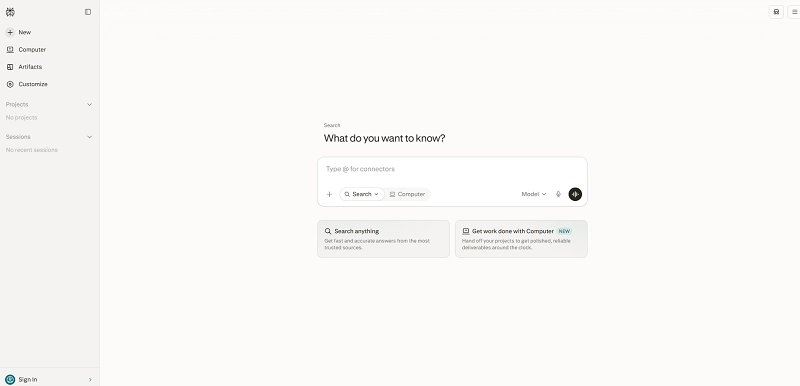
Best for: Citation-based answers from uploaded material.
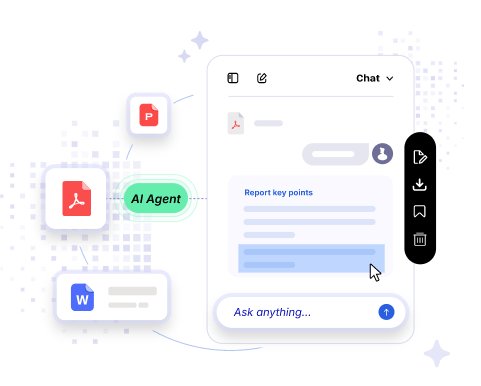
Looking for a local AI assistant that keeps your data private? iBoomto AI is built for professionals, students, and researchers who need a local alternative to NotebookLM. The document assistant runs seamlessly with both online and local AI models from leading providers. You have full flexibility to choose the model that fits your workflow and achieve end-to-end document processing by chatting with AI. Whether you're reviewing research papers, extracting data from business documents, or condensing study notes, iBoomto helps you move through multiple tasks with ease.
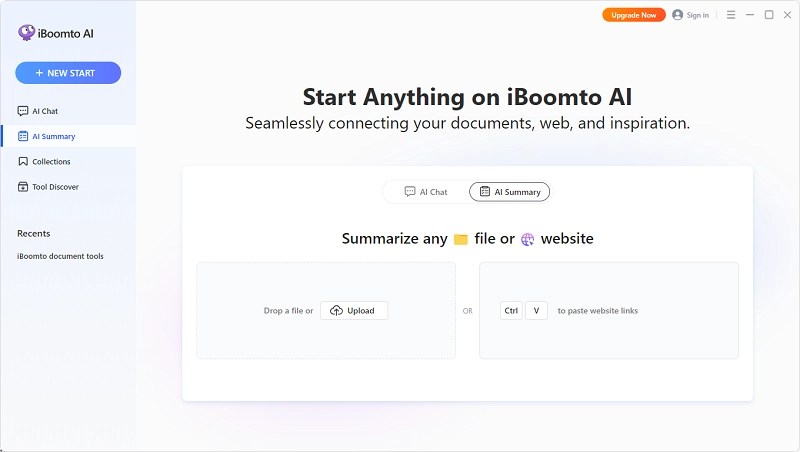
Best for: All-in-one document processing without leaving the device.

 Free Download Now
AnythingLLM is a highly functional, open-source AI assistant built for flexibility. It lets you chat with your documents using Retrieval-Augmented Generation (RAG), grounding answers in verified external data rather than relying on the model's memory alone. With support for Docker deployment, you can set up a self-hosted, multi-user AI server on your own hardware or in the cloud. AnythingLLM also connects to leading AI providers, so you can choose the right model for each use case. And for users who prioritize data privacy, it supports fully offline local models, putting you in complete control of where your data lives.
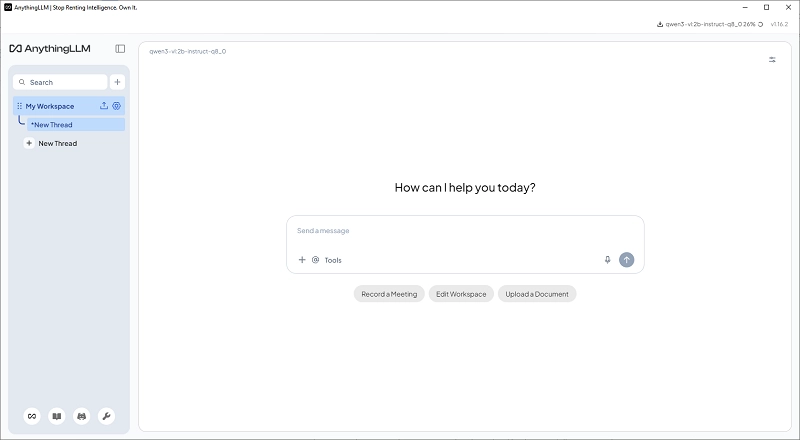
Best for: Run private, local doc chat & AI knowledge hub base on your PC.
Obsidian is a powerful note-taking and knowledge management application that helps you visualize the connections between your ideas through bidirectional links, rendered as an interactive graph view. All notes are stored as plain Markdown files on your local device, which is easy for AI and LLMs to read and process. Obsidian doesn't come with built-in AI features out of the box. To enable advanced AI-powered documentation or writing assistance, you'll need to install models or plugins from third-party sources. On the privacy front, this alternative to NotebookLM runs entirely on-device as most of its competitors do.
Also Read: Turn Notes into Polished, Shareable Content with Markdown to PDF converter >>
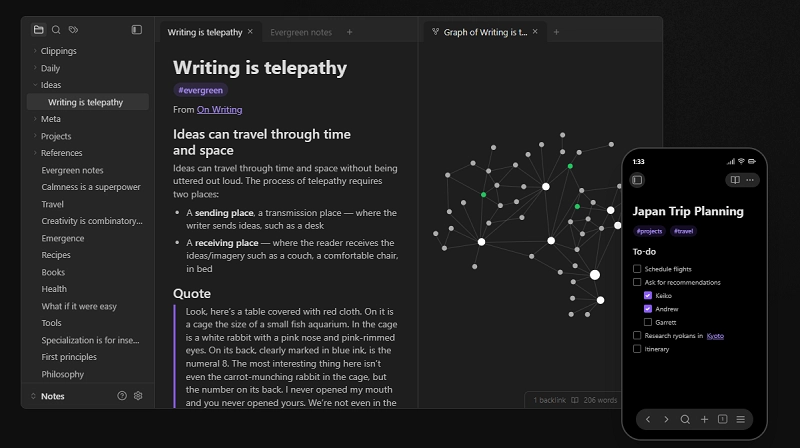
Best for: Build a personal, well-connected knowledge base and take notes efficiently.
More than a conversational AI chatbot, Notion AI provides comprehensive solutions for modern workplaces. It streamlines everyday tasks, from writing and editing to research and content management, all in one place. You can combine it with the built-in or external editors to improve, translate, rewrite, and refine content, turn meeting discussions into actionable directions using AI meeting notes, and build custom AI agents to run on schedules or respond to triggers across third-party office applications. With AI-powered productivity, Notion AI helps teams manage more tasks and get more done in one connected workspace.
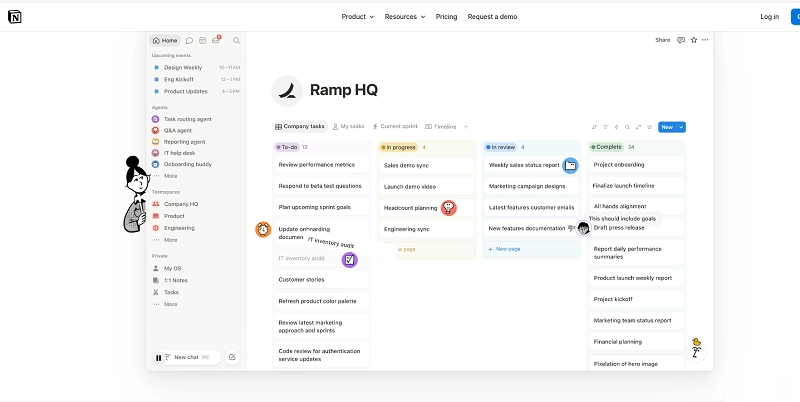
Best for: Turn your workspace into an assistant and ask it anything, right from where you work.
If you frequently work with academic papers and literature reviews, Elicit is an ideal replacement for NotebookLM. This AI assistant specializes in academic research, offering semantic search, data extraction, and evidence-backed insight generation. For students and researchers, Elicit turns literature reviewing into an automated process while maintaining high, criterion-based standards for its outputs.
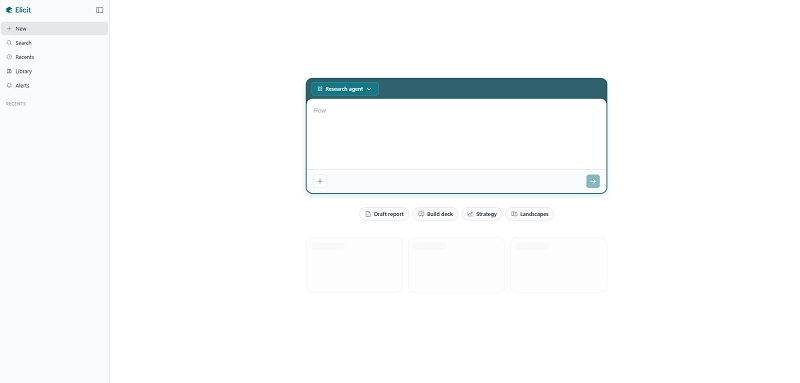
Best for: Review academic and scientific research papers.
Introduced by Anthropic, Claude Projects is a feature built for consistent, ongoing work rather than one-off chats. Unlike a general AI chatbot, it lets users build a topic-specific workspace: once you define your instructions, this NotebookLM alternative follows them throughout the workflow, maintaining context and connections across every conversation. You don't need to repeat your prompts each time, which keeps output consistent, whether it's tone, style, or overall approach.
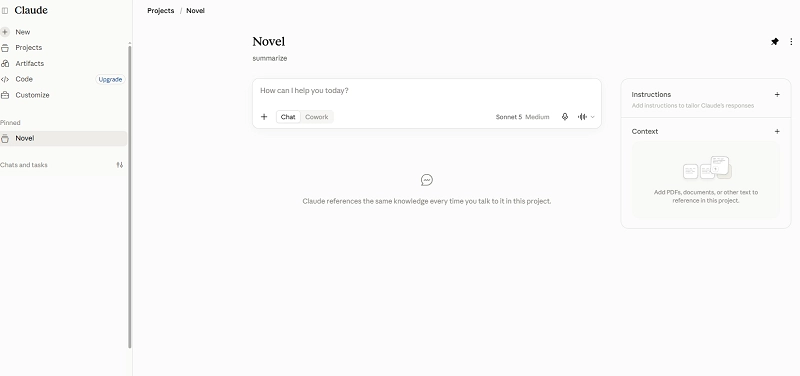
Best for: Handle ongoing work in a user-defined tone, without needing to re-explain context each time.
The Bottom Line
In this post, we've introduced 7 great NotebookLM alternatives. They all offer free plans and prioritize user privacy. As the AI workflow industry continues to evolve rapidly, new options and features are introduced consistently. Bookmark this page and stay tuned for more updates. If this list is helpful for you, you may share it to let more friends know.